CHAPTER 3: CONFIGURING THE AXN SYSTEM 65
Real time viewing of data
DAS Studio 3 creates XidML 3.0 files in the default installation folder C:\ACRA\DASStudio\3.X. The XidML file can
be used as your input file for Quicklook real-time data visualization software.
Refer to the following to use Quicklook to view and analyze XidML configuration files from DAS Studio 3.
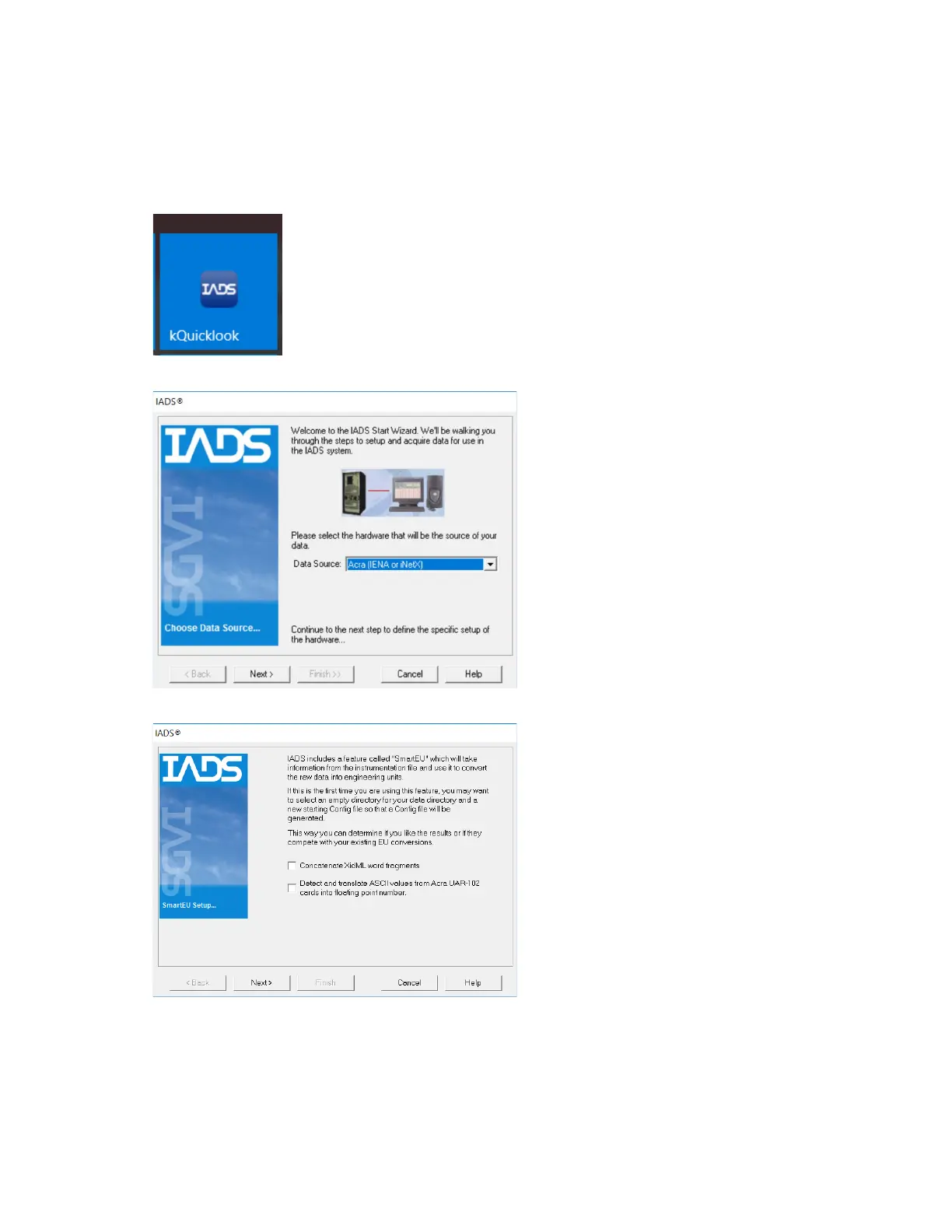
1. Launch Quicklook from the start menu.
2. Set the Data Source to Acra (IENA or iNETX) and then click Next.
3. Click Next.



 To Next Page