CHAPTER 3: CONFIGURING THE AXN SYSTEM 67
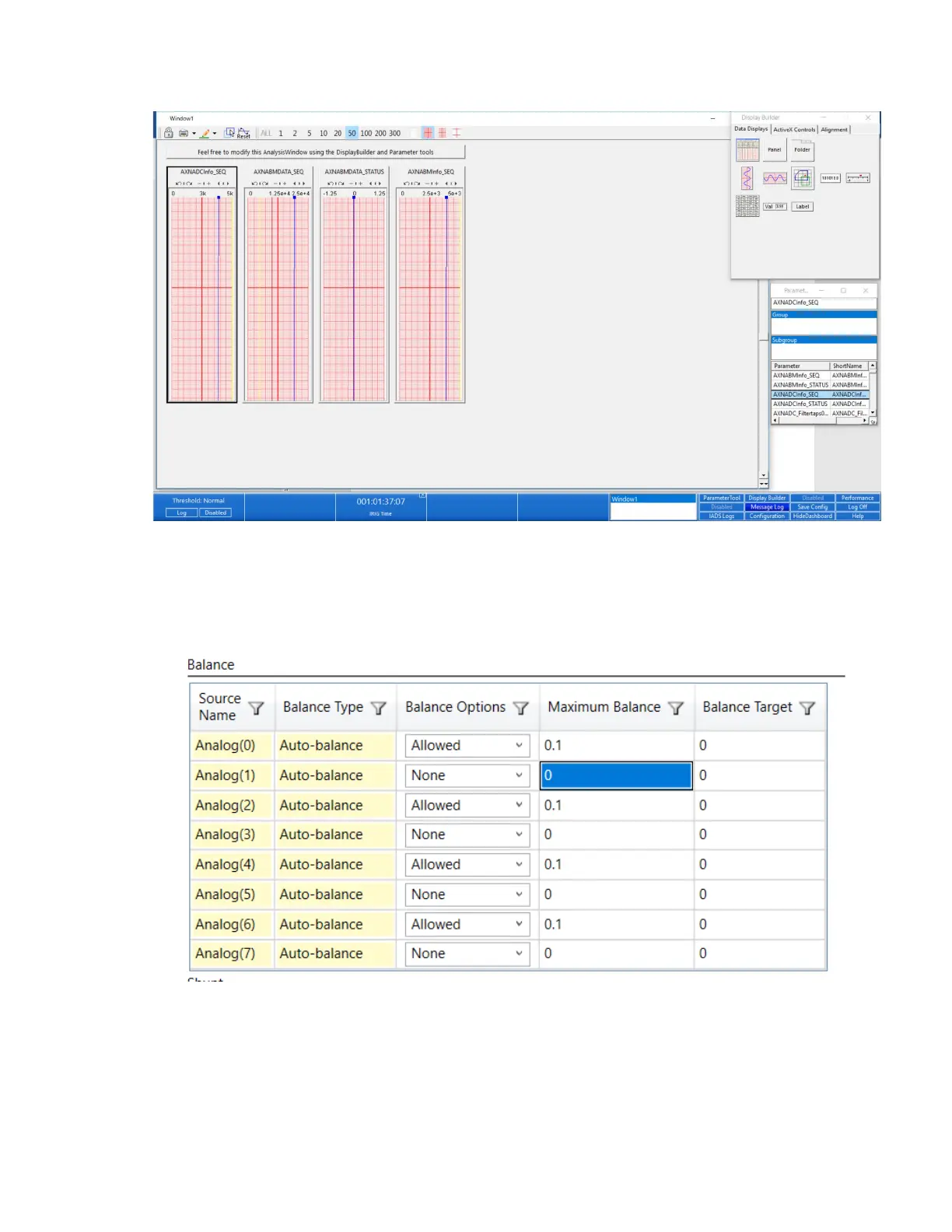
8. Build screens to view your data. (Refer to Quicklook online help for further information.)
Balancing analog channels using Bridge Balancer
On the Tools menu of DAS Studio 3 software, click Bridge Balancer.
The Bridge Balancer dialog box opens. See Chapter 10 of the DAS Studio 3 User Manual for further steps.



 To Next Page