18 AXN Quick Start Kit User Guide (BK/0045 | 9 Aug. 2021)
3
Manually creating a task file
You may need to manually create a configuration task file, for example, if hardware is not yet available.
The AXN Quick Start Kit ships with the following hardware configuration.
• AXN/CHS/09U – 9 user-slot Axon chassis containing the following modules:
- Slot 0: AXN/BCU/40x – Axon backplane controller
- Slot 1: AXN/ABM/401 – Axon 24 channel ARINC-429 bus monitor/packetizer
- Slot 4: AXN/EXT/401 – Axon extender module
- Slot 8: AXN/ADC/401 – The 8 channel flexible analog module
Refer to the following to manually create a task file that matches the factory-shipped hardware configuration. In the
following example, an AXN/BCU/401 controller is shown in the screen shots for illustration. You should choose the
appropriate AXN/BCU/40x controller you wish to use/configure.
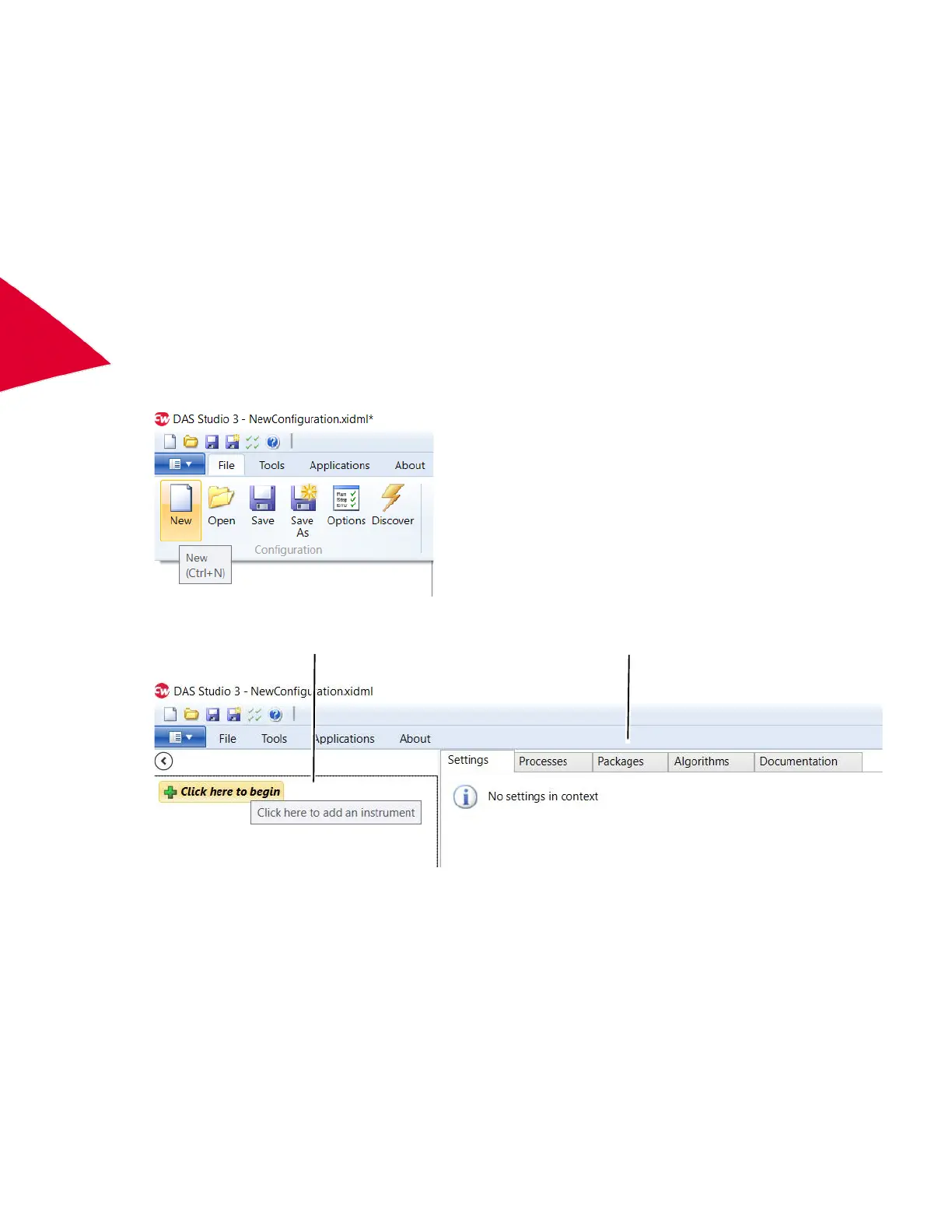
1. On the File menu, click New.
2. Click the Click here to begin button in the Navigator.
Navigator Editor tabs



 To Next Page