CHAPTER 3: CONFIGURING THE AXN SYSTEM 19
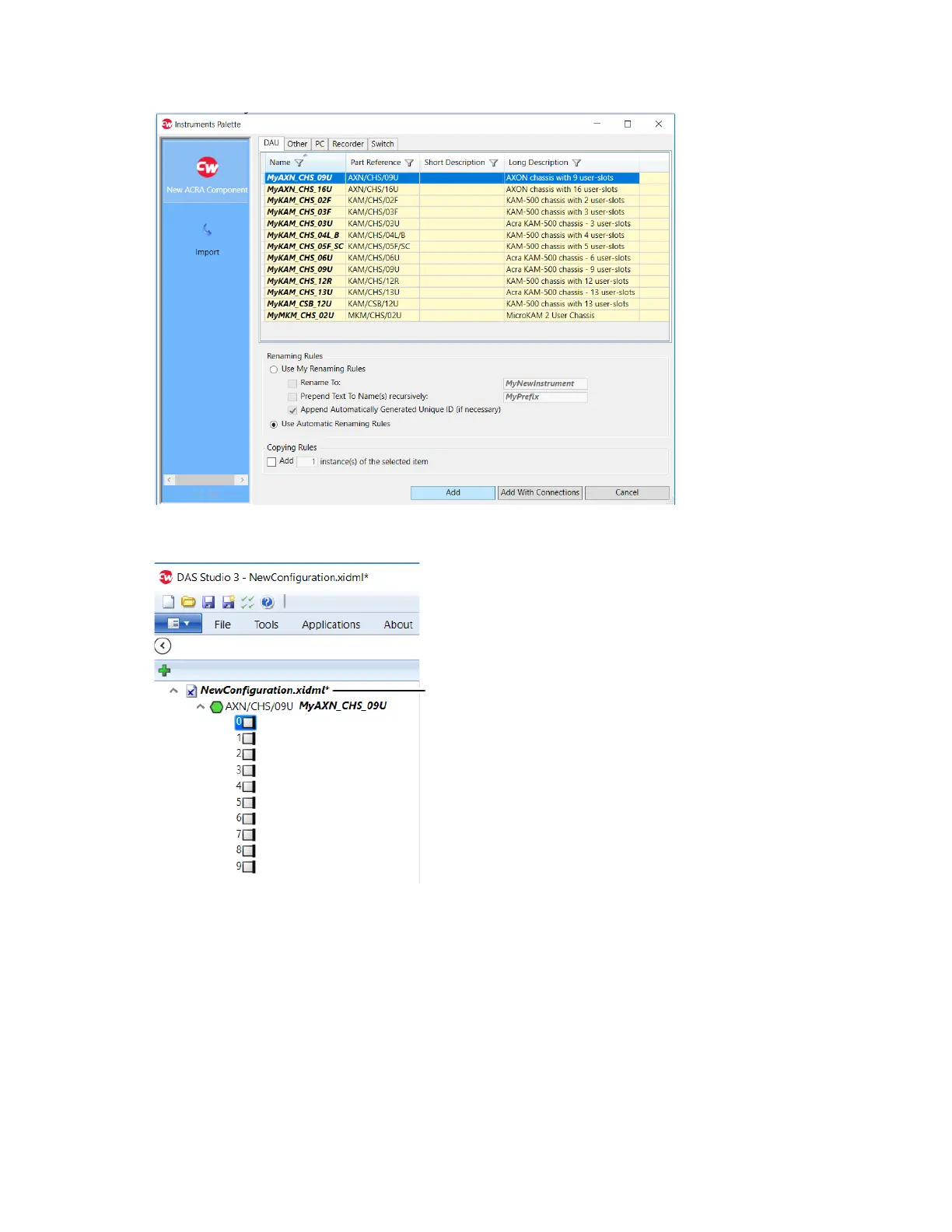
Instruments Palette opens.
3. On the DAU tab, select MyAXN_CHS_09U and click Add.
The overview node and the chassis are added in the Navigator.
Slot 0 is the backplane controller (AXN/BCU/40x) slot; only the AXN bus controller can be added to this slot.
Overview node



 To Next Page