4.5 Issuing ticket
The device allows you to choose between different operating modes for the issuance of printed tickets.
-
mands sent to the device.
NOTE: To enable this issuing mode, you need to correctly set the operation mode of the ejector with the command 0x1D
0x65 (see Commands Manual) and the setup parameter “Automatic Ejecting” (see chapter 5 of this manual).
“PRESENT/EJECT” model
The device starts the ticket printing.
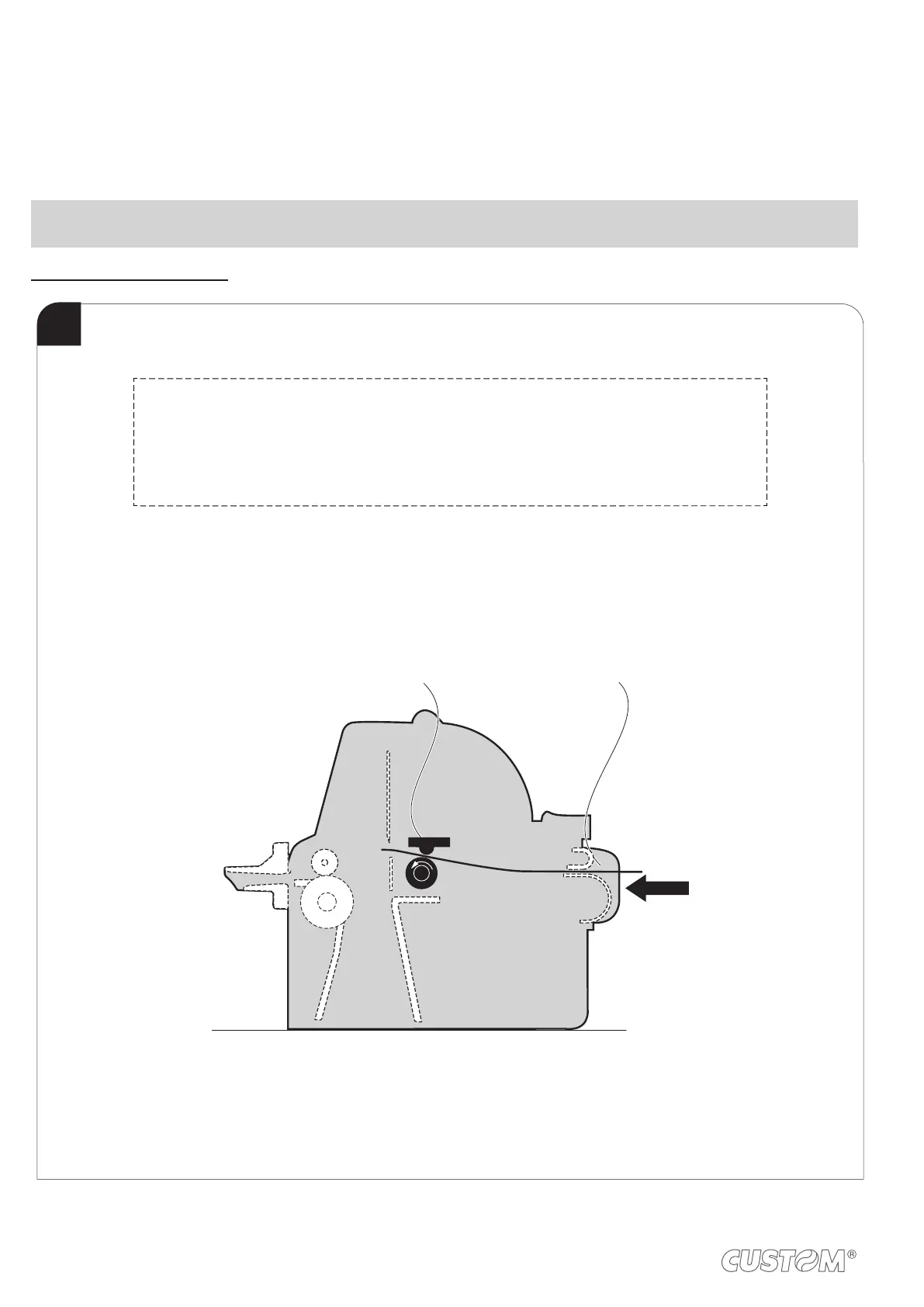
1
Printing head
Paper input
For the minimum and maximum length of the ticket refer to"Paper specifications". The ticket
presentation will be performed in this way:
TICKET LENGTH PRESENTATION
from 70mm to 80mm 10mm
from 80mm to 220mm from 10mm to 30mm (set from command)
32












 To Next Page