Hemming
Allows making conventional die hemming bends (optional).
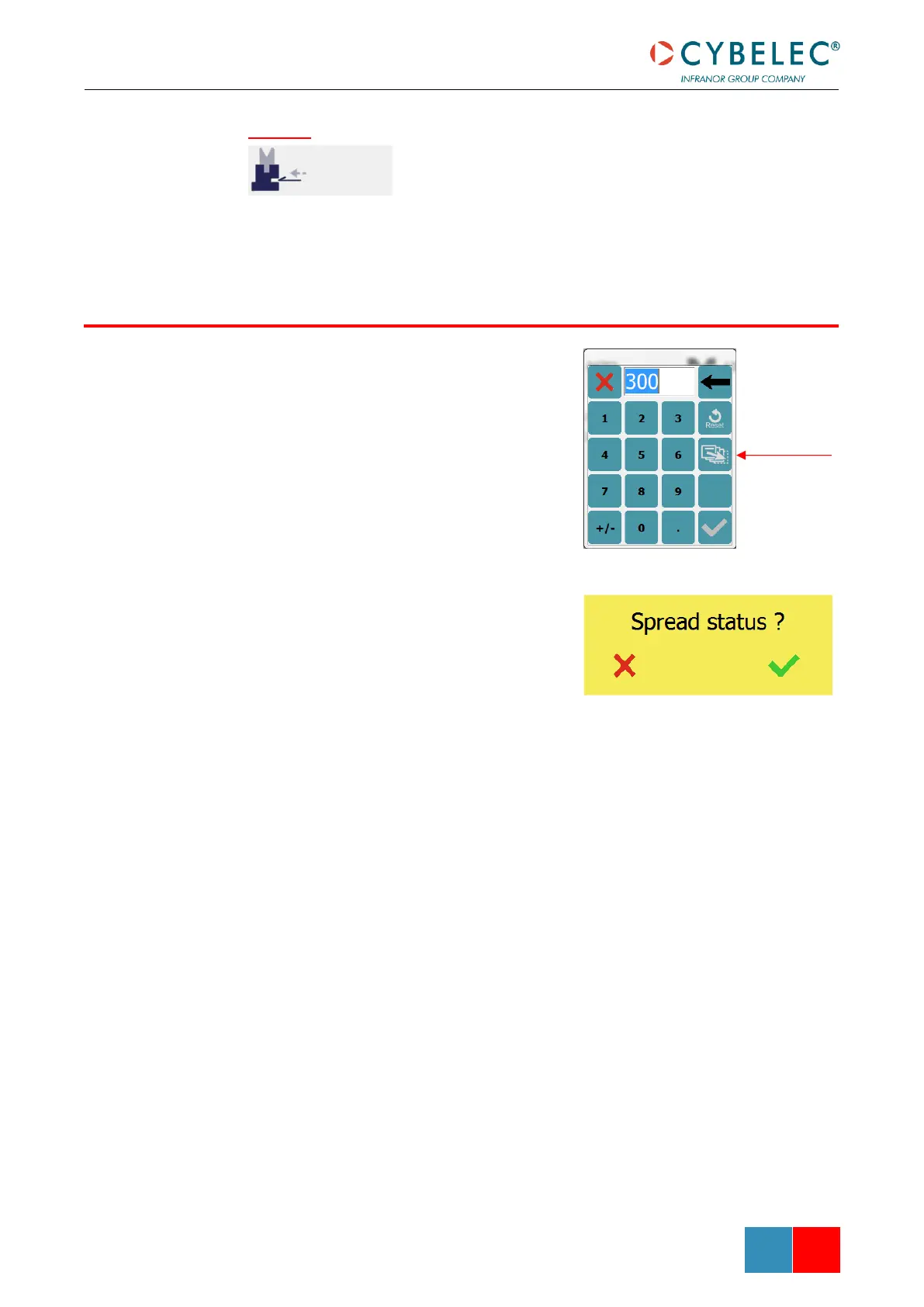
This function allows copying a defined value to all
the steps of the current program. It appears in the
numerical pad of relevant fields, such as Bending
length / Position offset, Force, Bending and
Corrections, etc.
It is also possible to use the Copy to All function
with fields that do not require a numerical pad by
simply holding the button for 2 seconds. The pop-
up Spread status ? will then appear.



 To Next Page