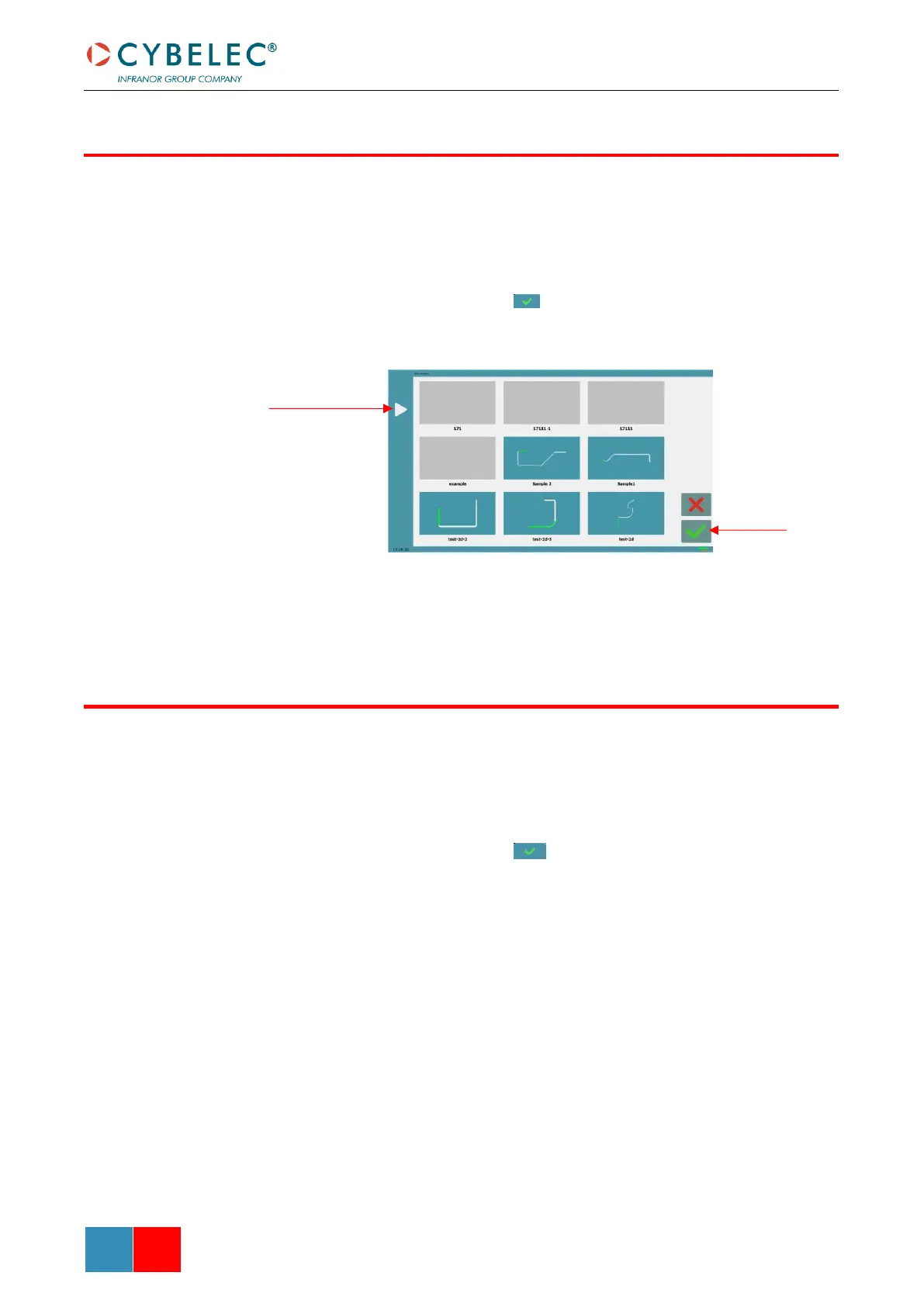
To call (load) a program:
1. Touch the Program name.
2. Touch Load part.
3. Browse through the programs using the arrows and select the program to be
loaded.
4. Validate your choice by touching .
5. The selected program is then loaded into the work memory and is ready to be
used.
Programs created with the TouchProfile Mode have a small miniature to help easily to
identify them from those created in Numerical Mode.
To delete a program:
1. Touch the Program name.
2. Touch Delete program.
3. Browse through the programs using the arrows and select the program to be
deleted.
4. Validate your choice by touching .
5. Confirm in the pop-up window.



 To Next Page