Touching this icon allows erasing the last segment added
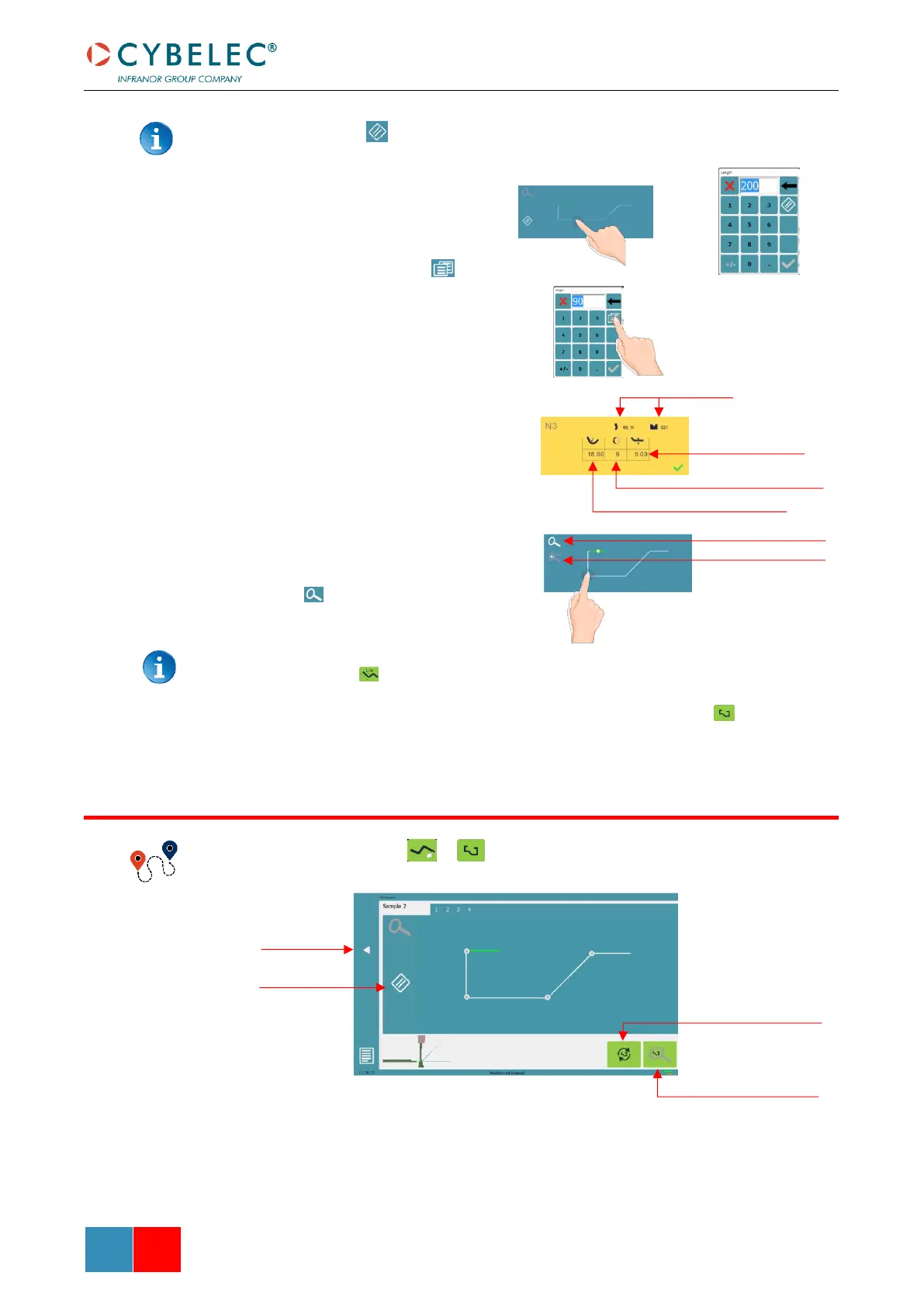
4. Touch on the middle of a
segment to modify its value.
5. Touch on an angle to modify its
value. Touching the icon
will open a yellow pop-up, in
which it possible to:
• Activate (and deactivate) a
special tool by touching its
icon and select it from a
list by pressing ???.
• Change the value of the
radius (see also Step
bending) and define how
many steps the NC will
make to execute it.
6. Should it prove difficult to
select a particular segment or
angle, it is possible to zoom on
an area by touching this button
and then on the desired
zone.
One can also choose to enter the length and angle values in the L-Alpha Mode page
by pressing this button.
7. Once all the segments and angles are adjusted, press this button to access
Bend Sequencing.
Bend Numerical Page → →
Once the shape of the part has been defined, the bending sequence for the part can be
determined.



 To Next Page