SETTING INSTRUCTIONS:
1. Touch the bend sequence calculation button . Once the sequence is
calculated, the Bend 2D screen is displayed.
Pressing the back button will erase the last bend in the sequence. If you wish to
delete all bends, simply touch the button.
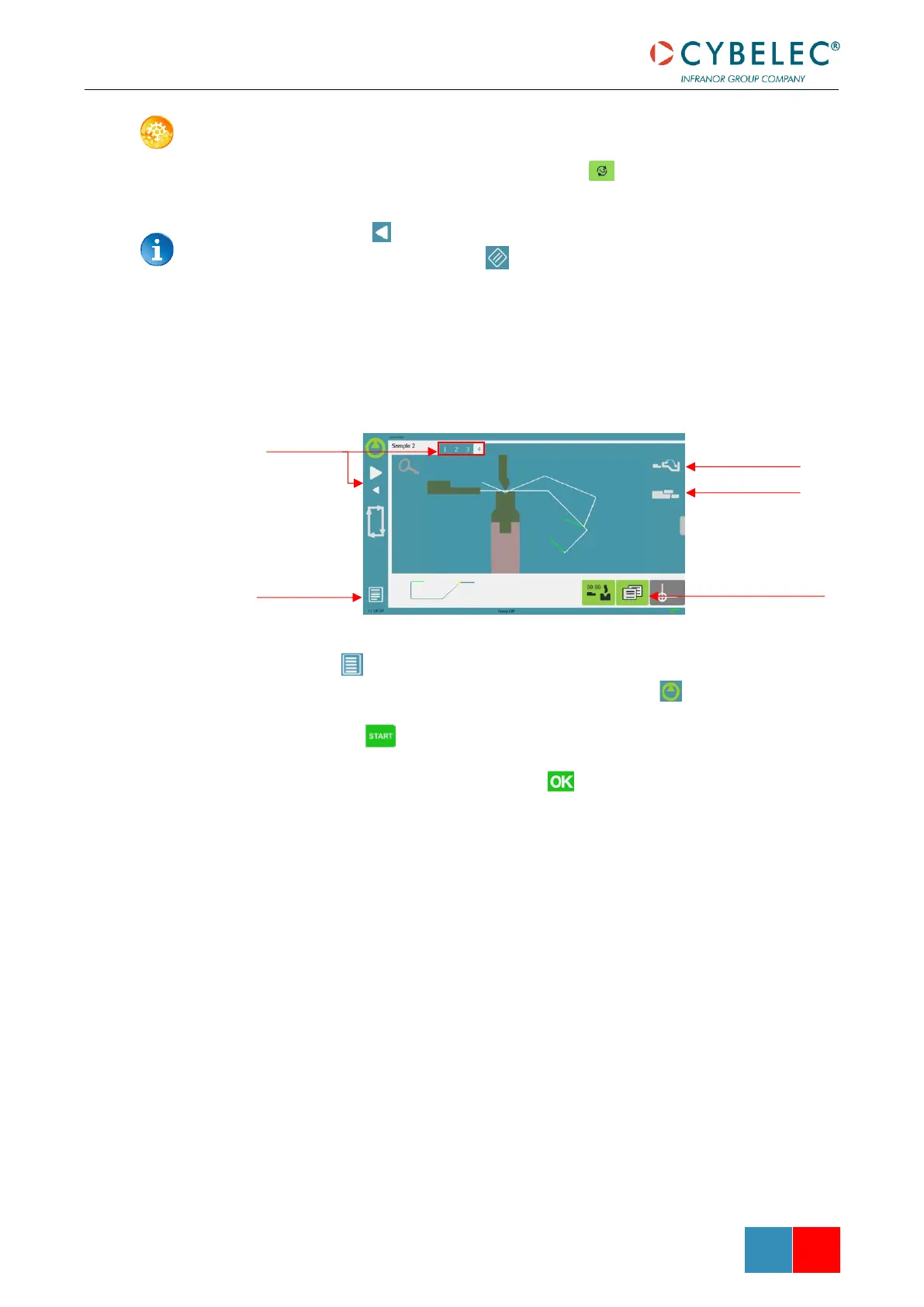
2. Immediately after determining the last bend to be selected, the Bend 2D screen
here below is displayed.
3. In the Bend 2D page, the operator must determine the back gauge and part
position for each bend, and if necessary Extra Bending Parameters.
4. Press and select Bend num page to return to the Bend Numerical Page.
5. Start the hydraulic pump motor (by pressing this button if available. It turns
red when the motor is running).
6. Press the button to position the machine according to the data that were just
entered.
7. When the machine is ready to bend, a button is displayed.
8. If you want to repeat the same step in order to apply all the necessary corrections
to it, switch to the Semi-Automatic mode.
9. Press the foot switch to execute the bend.



 To Next Page