There are three ways to create a program part: with the TouchProfile Mode, with the
Numerical Mode, and with the L-Alpha Mode.
In this chapter the machine is considered operational: machine parameters, tools
(see Tools Management), materials (see Materials), etc. are already configured and
programmed.
Bend Numerical Page →
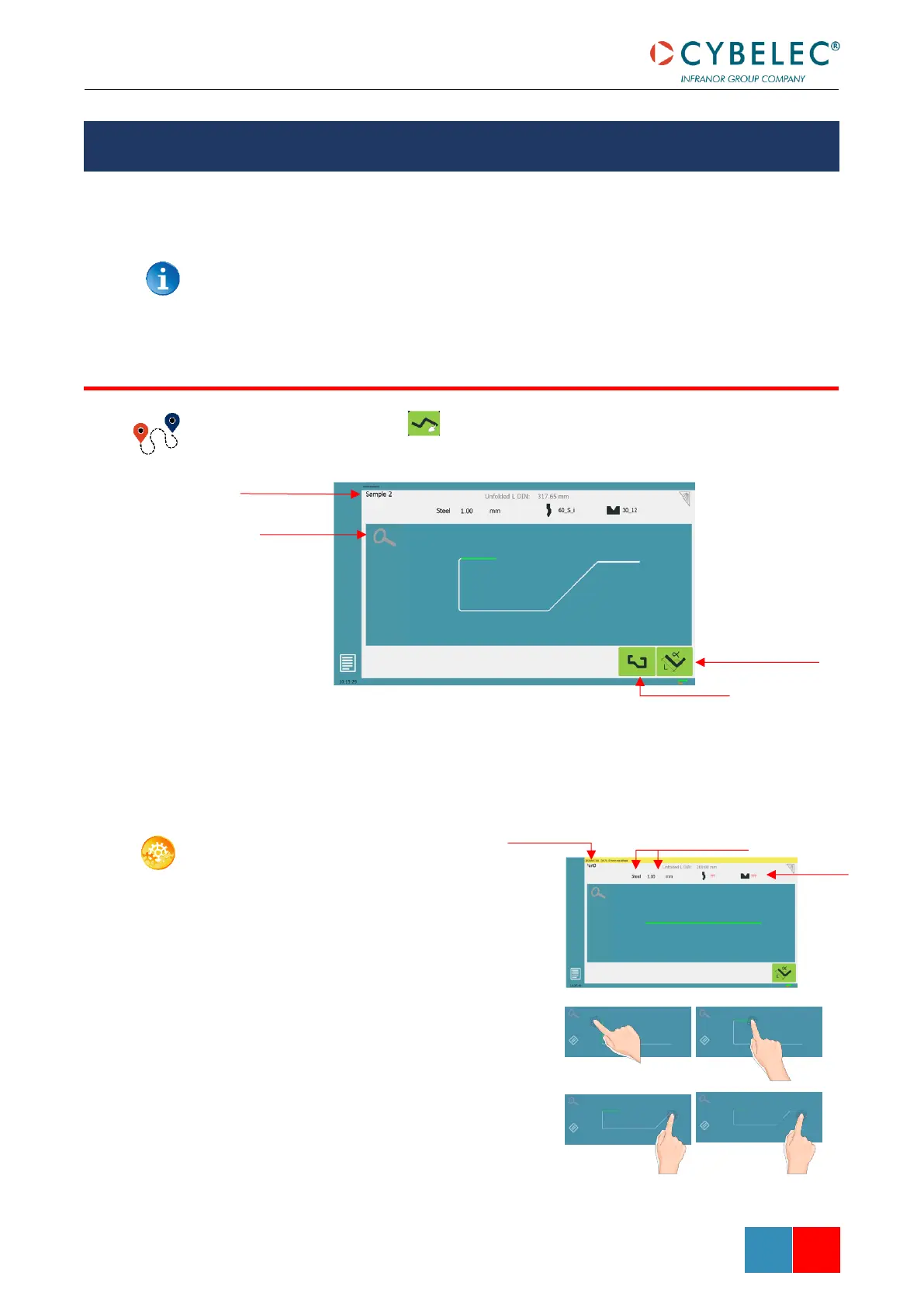
In this mode, the operator can very intuitively draw a profile directly on the screen.
SETTING INSTRUCTIONS:
1. Touch the program
number, select New
program in the list, and
touch Graphical 2D.
2. First select the material, the
Material thickness (see
page 22) and the tools to be
used for the part by
touching their respective
icons.
3. Draw the profile by
touching the screen where
you want to add a segment.



 To Next Page