Unplug the unit and turn Power Off when first connecting your computer and peripherals.
BASIC OPERATION
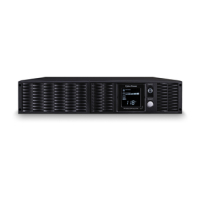
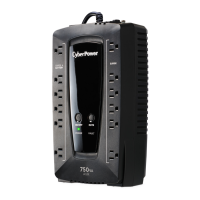
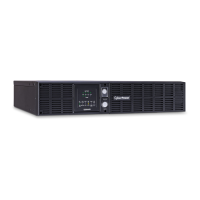
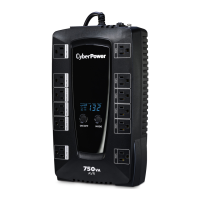
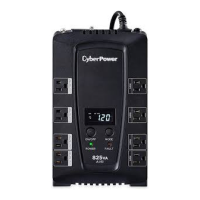
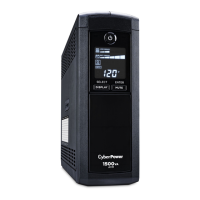
FRONT / REAR PANEL DESCRIPTION
1. Power Switch
Master on/off switch for equipment connected to the UPS.
2. Power On Indicator
Indicates the power is on.
3. LCD Module Display
LCD shows all the UPS information with icons and messages.
4. LCD Display Toggle Button
The button can be used to toggle between different data displays on the LCD.
5. Battery Backup Protected Outlets Provides eight battery powered, surge protected and AVR outlets for connected equipment and
ensures temporary uninterrupted operation of connected equipment during a power failure.
Critical /Non-critical
When the UPS is overloaded, the circuit breakers will be tripped to interrupt the power supply to the uncritical outlets while continuing to
supply the critical outlets. As well, as the battery capacity depletes under the threshold value, the uncritical outlets will be shut down and
provide energy for critical outlets. The threshold can be determined and set by users. Non-critical outlets can also be turned on/off
manually through the software package provided.
6. Input Power Cord
Heavy-duty, extra long power cord.
7. Output Circuit Breaker Resettable circuit breakers provide output outlets protection from overload.
8. Input Circuit Breaker
Resettable circuit breakers provide Input optimal overload
Protection.
9. USB port.
USB communication port for management software.
10. Site Wire Fault Indicator






 To Next Page