© 2021 Cypress Solutions Manual: CTM-ONE (Revision 1.0)
5.5.3 Wi-Fi/Bluetooth
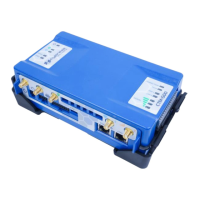
Local Wireless via Wi-Fi (802.11bgn) and Bluetooth (802.15.1) requires an external Wi-Fi antenna connected
via a reverse polarity SMA connector
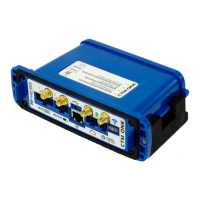
Plug one end of a standard Ethernet patch cable into the CTM-ONE’s Ethernet port, and the other end into
the LAN device, PC or Ethernet peripheral. The Ethernet port is compatible with 10Base-T or 100Base-T
connection types. The Ethernet port support auto MDI/MDIX, meaning no Ethernet crossover cable will be
needed regardless whether the CTM-ONE is connected to a router or to a computer.
A 14-position terminal is used for GPIO and Serial connections.
Molex Micro-Fit 3.0™ connector #:
Crimp Terminals 20-24 AWG


 To Next Page