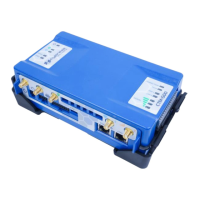
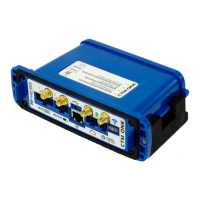
The CTM-ONE will be ready for access and configuration 15-20 seconds after applying power.
By default, the CTM-ONE will broadcast its SSID when powered on. Scan for the SSID and connect after
entering the pre-shared key.
Depending on configuration some units will ship with customer defined SSID and PSK. Default SSID is
CypressCTM and the default password is CypressAccess.
CTM-ONE Web interface is accessible by opening a browser to http://192.168.2.1
When physically connected using an Ethernet cable the CTM-ONE Web interface is accessible by opening a
browser to http://192.168.1.1
When physically connected using a serial cable the CTM-ONE console can be accessed using a terminal
application (e.g. Hyperterminal). The default serial port settings are:
Baudrate: 115200
Data bits: 8
Stop bits: 1
Parity: No
After successfully establishing a WiFi connection or wired connection you will be prompted for a
user/password


 To Next Page