9
UNPACKING AND SETUP
This chapter provides unpacking and setup information for the Switch.
Unpacking
Open the shipping carton of the Switch and carefully unpack its
contents. The carton should contain the following items:
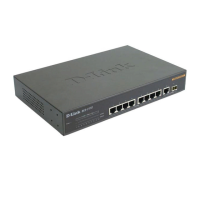
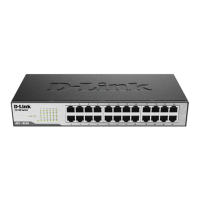
One DES-2110 Switch
Four rubber feet with adhesive backing
One AC power cord
Mounting kit (two brackets and screws)
CD-ROM (This User’s Guide and Utility)
If any item is found missing or damaged, please contact your local
reseller for replacement.
Setup
The setup of the Switch can be performed using the following steps:
Install the Switch on a sturdy, level surface that can support
at least 6.6 lb. (3 kg) of weight. Do not place heavy objects
on the Switch.
The power outlet should be within 1.82 meters (6 feet) of the
device.
Visually inspect the power cord and see that it is fully
secured to the AC power port.




 To Next Page
