22D-Link DIR-505 User Manual
Section 2 - Installation
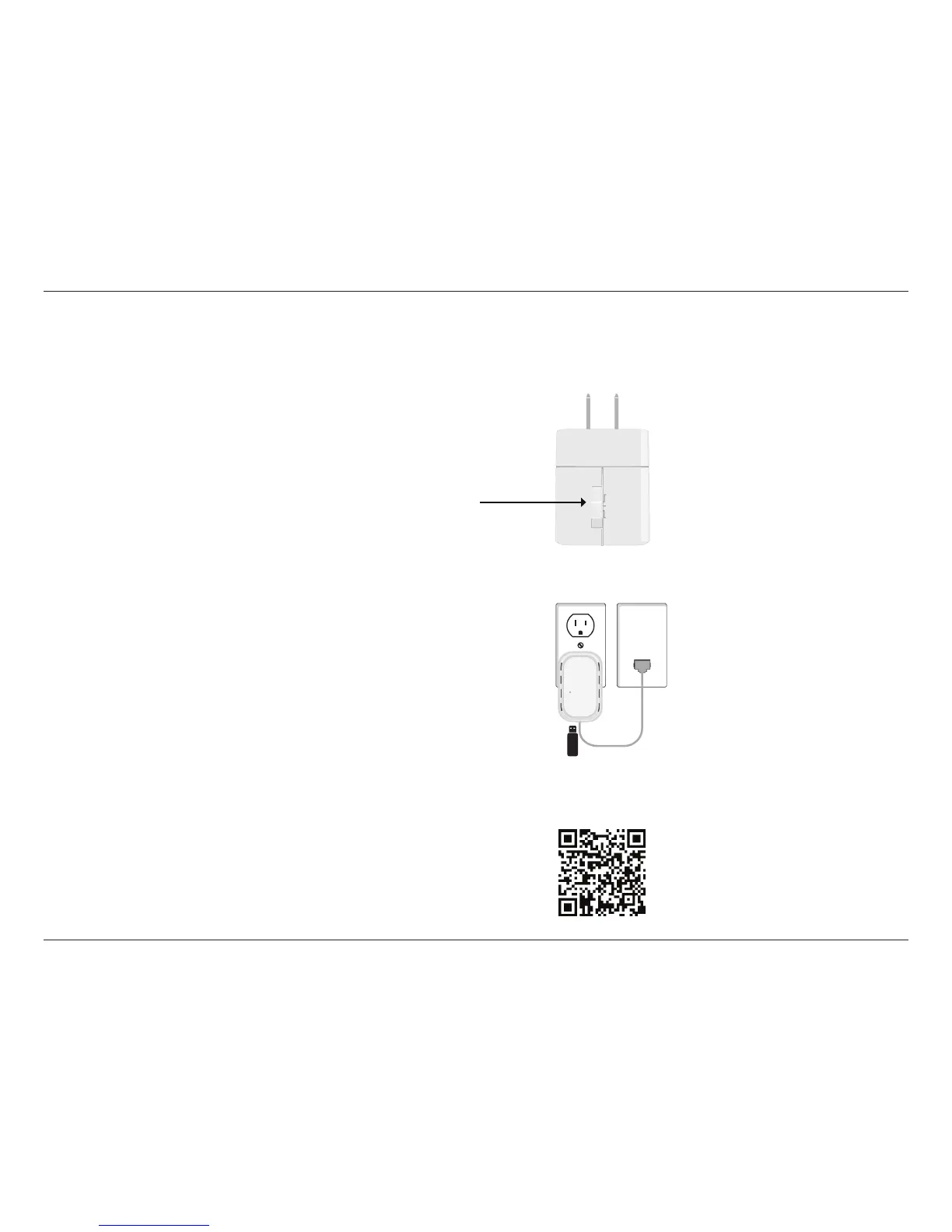
1. Move the switch to “Router/AP Mode” ( or “Wi-Fi Hotspot Mode”).
2. Insert your USB ash drive to DIR-505 rst and then Plug DIR-505 into
wall outlet.
3. Scan the bar code to download the SharePort Mobile APP from the app
store to your iPhone or iPad.
Router/AP
Repeater
Wi-Fi
Hot Spot
Router/AP Mode
SharePort Mobile App
Note: Please refer to page 56 for Storage setup information before you
proceed to the next step below.





 To Next Page