14D-Link DIR-518L User Manual
Section 2 - Installation
Connecting to Your DIR-518L
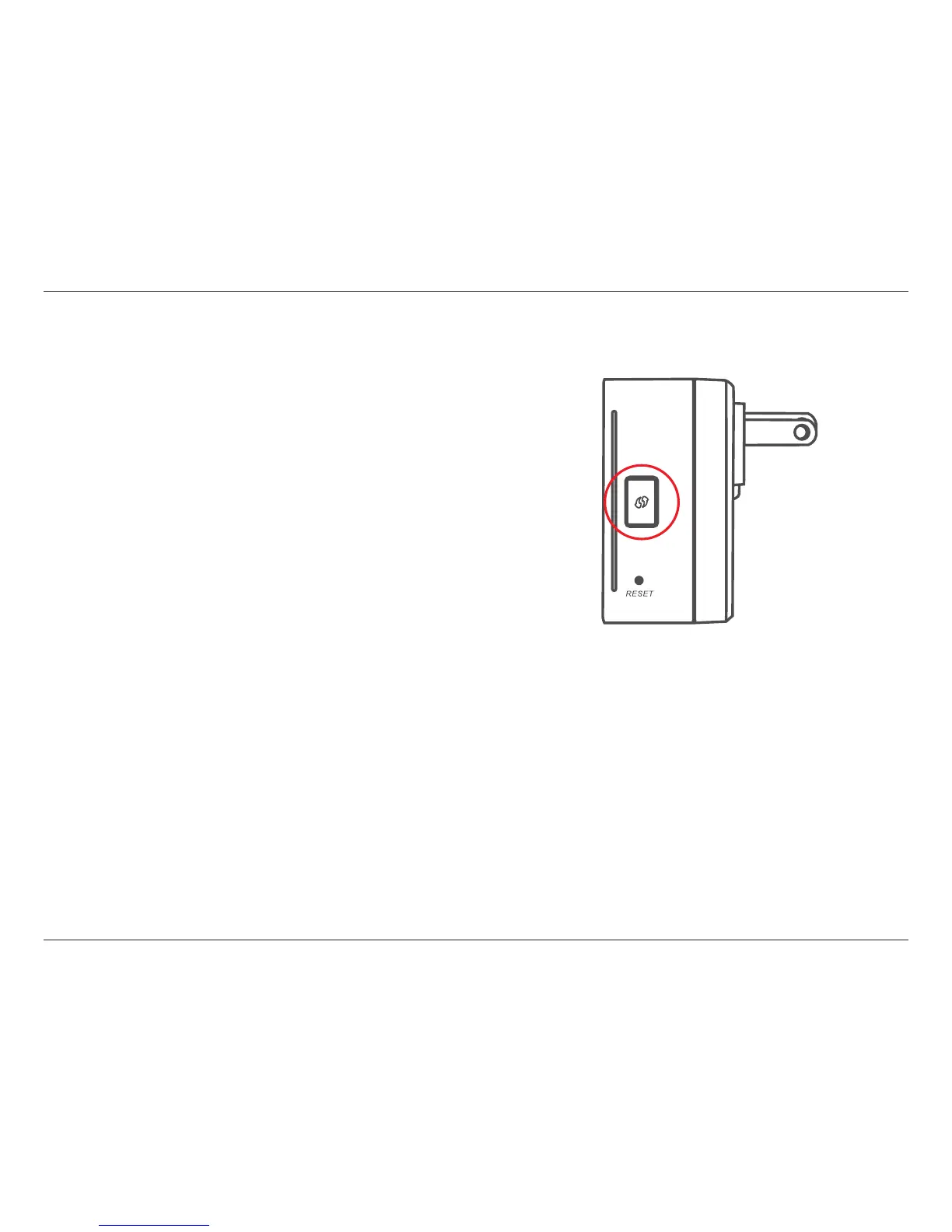
Using WPS
You can use the WPS method to connect to the DIR-518L.
• Press the WPS button on the DIR-518L and its green LED will
ash.
• Activate WPS on your client device and it should connect
automatically. Once you are connected to the DIR-518L,
you can then congure your DIR-518L using the web-based
conguration in a web browser.
For more information on WPS, please refer to “WPS Button” on
page 93.



 To Next Page