71D-Link DIR-518L User Manual
Section 4 - Conguration
Settings
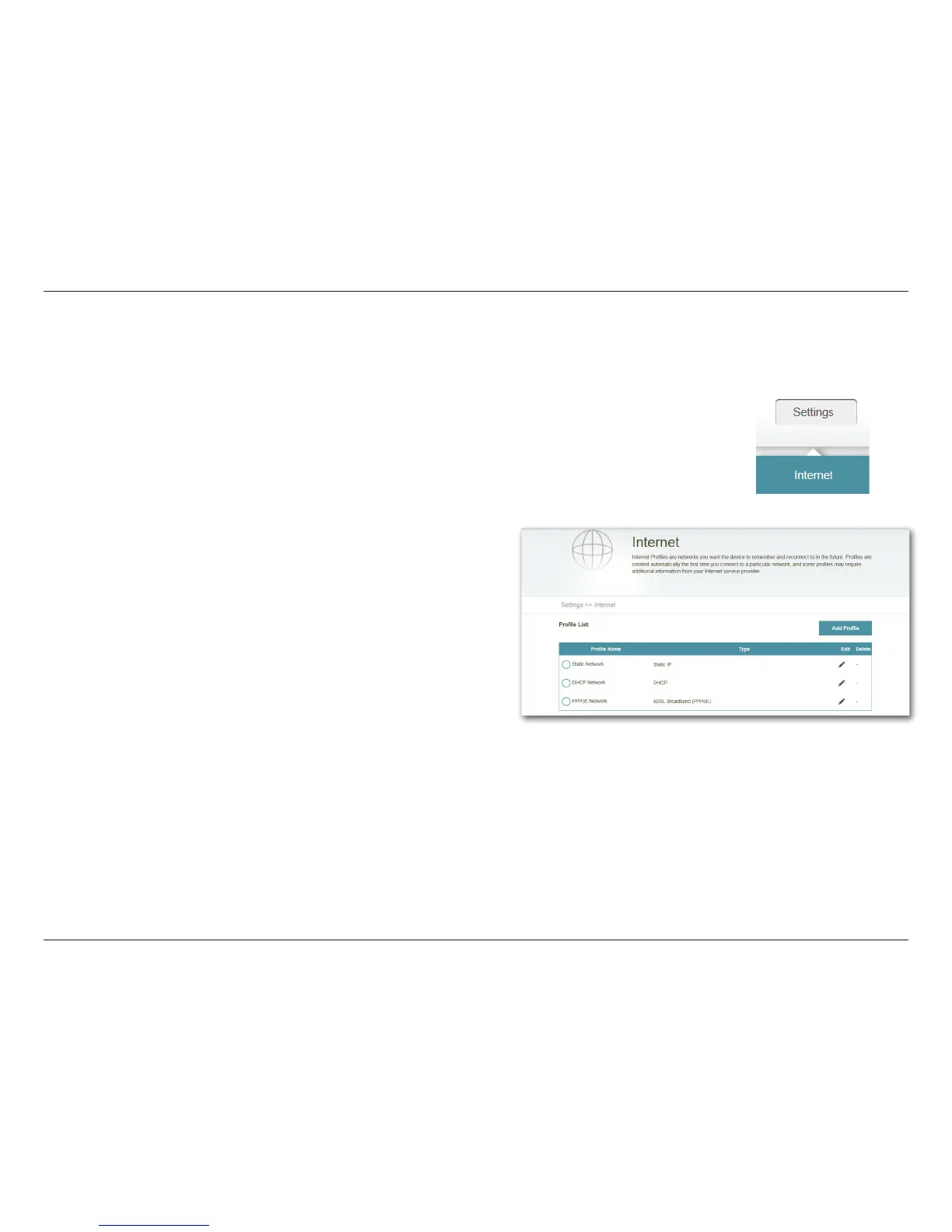
Internet Proles
To Add a prole:
• Click Add Prole.
• On the next screen, select a connection type from the drop
down menu.
• Fill in the required information under the connection type.
If required, click on Advanced Settings... to ll in details
required by the ISP.
• Click Save to store the prole.
To Edit a prole:
• Click on the pencil icon next to the prole you want to edit.
To Delete a prole:
• Click on the trash icon next to the prole you want to delete.
Internet Proles are networks you want the device to remember and reconnect to in the future.
Proles are created automatically the rst time you connect to a particular network. The Prole
List shows all of the saved proles and you can select the prole you wish to use by clicking on the
radio button. You may also Add, Edit, and Delete proles from this page.



 To Next Page