88D-Link DIR-518L User Manual
Section 4 - Conguration
Management
Admin
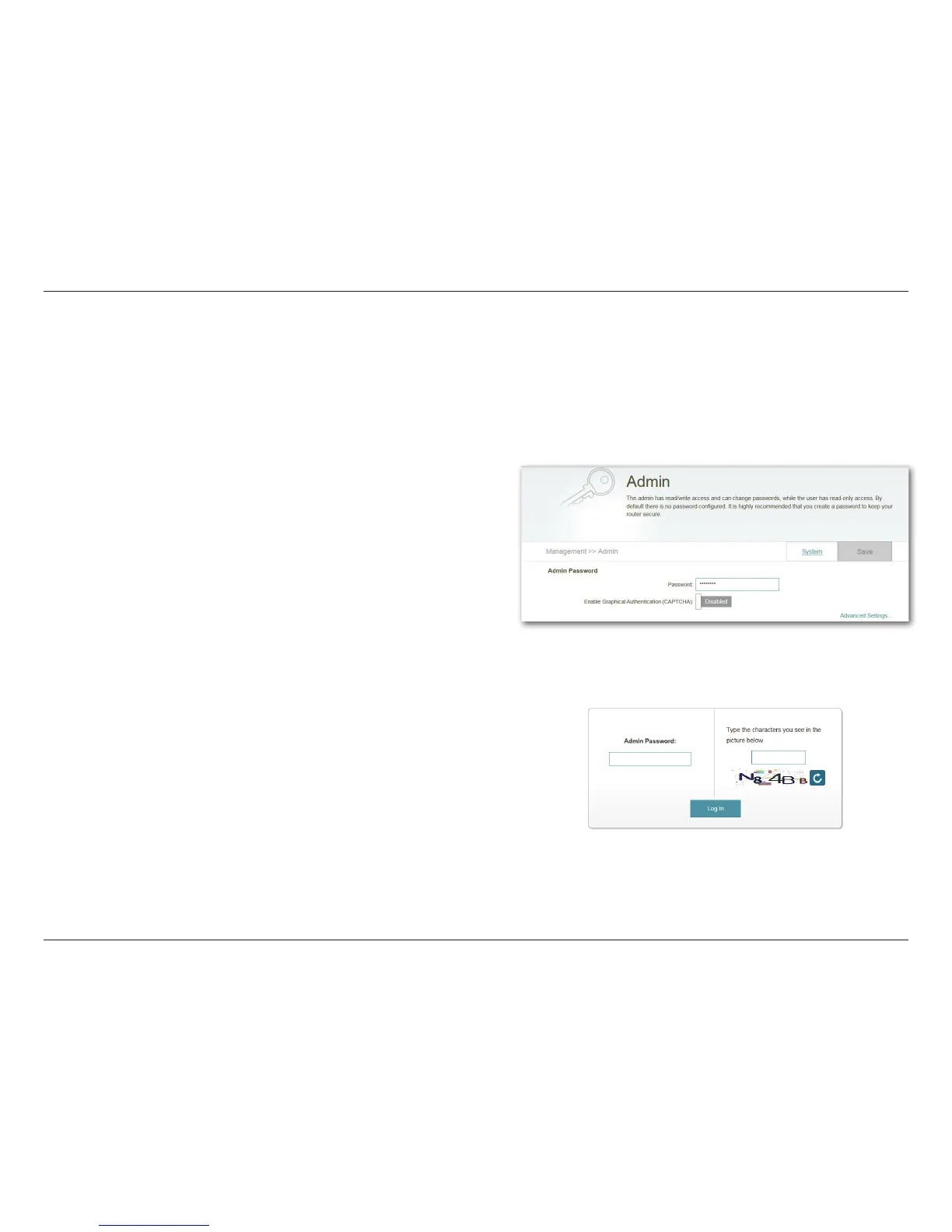
On this page, you can change the admin security settings for logging in to the router conguration interface. It is highly
recommended that you create a password with a minimum of 6 characters to keep your router secure. Click on the System
tab to congure system settings for your router. Click Save to store your settings.
You will need to log back into the conguration interface with
the new password.
If CAPTCHA has been enabled, you will need to enter the 5-digit
code as well.
Enter a password to secure administrative access to your
router.
If enabled, you will be required to enter a CAPTCHA along
with your password at the log in page.
Admin Password:
Enable Graphical
Authentication
(CAPTCHA):



 To Next Page