57D-Link DIR-518L User Manual
Section 3 - Usage
Videos
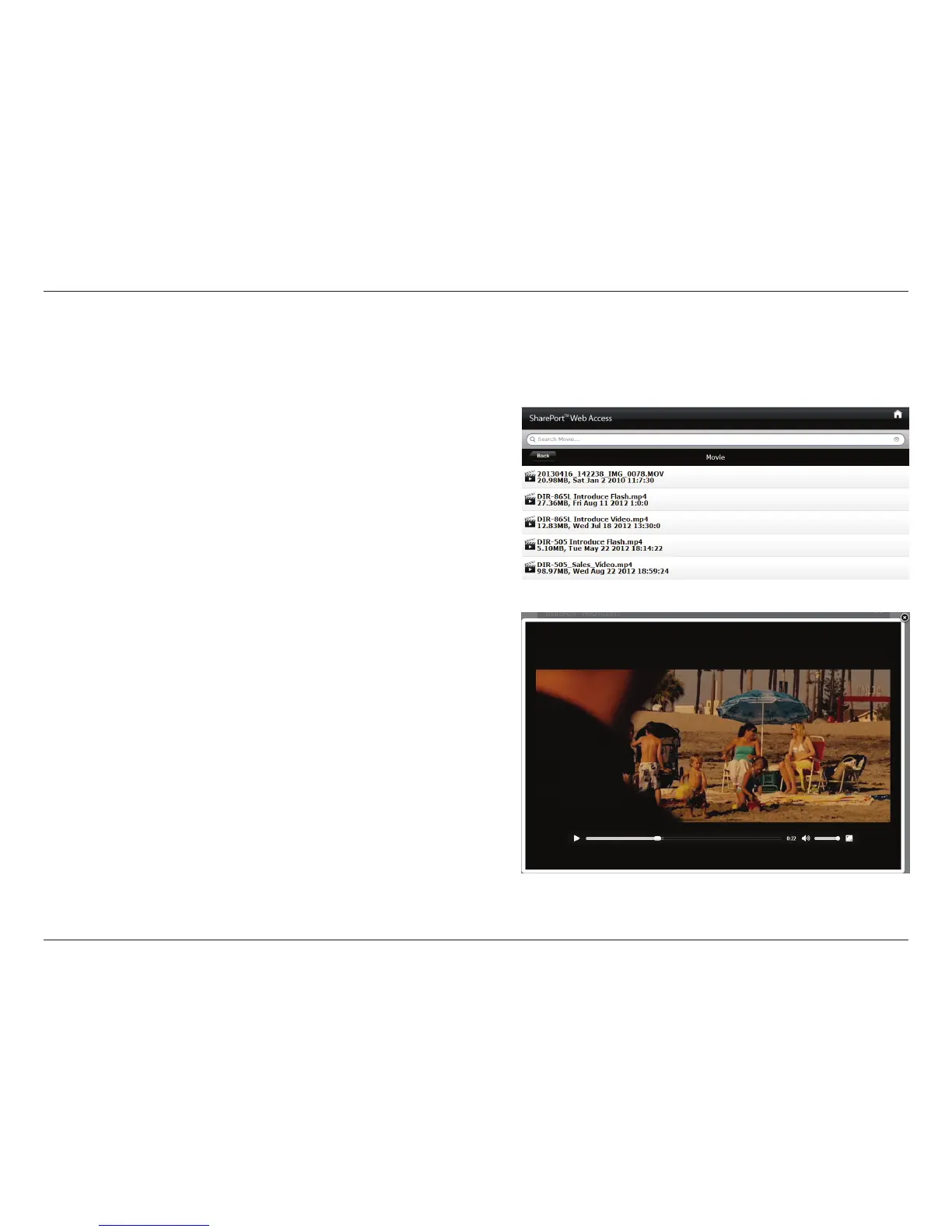
You can go to the Videos section to browse and play the video les on your storage. Click Back to return to the main menu.
• Click on the video file to open the file in a window for
streaming.
You can pause, seek, mute, adjust the volume, and activate full
screen mode in the window controls.
• Close the window to end playback.
Note: Depending on your browser, the video le may be played back using
the default player associated with that le format.



 To Next Page