109D-Link DSL-124 Wireless N300 ADSL2+ Modem Router User Manual
Section 4 - Conguration
FTP ALG Cong
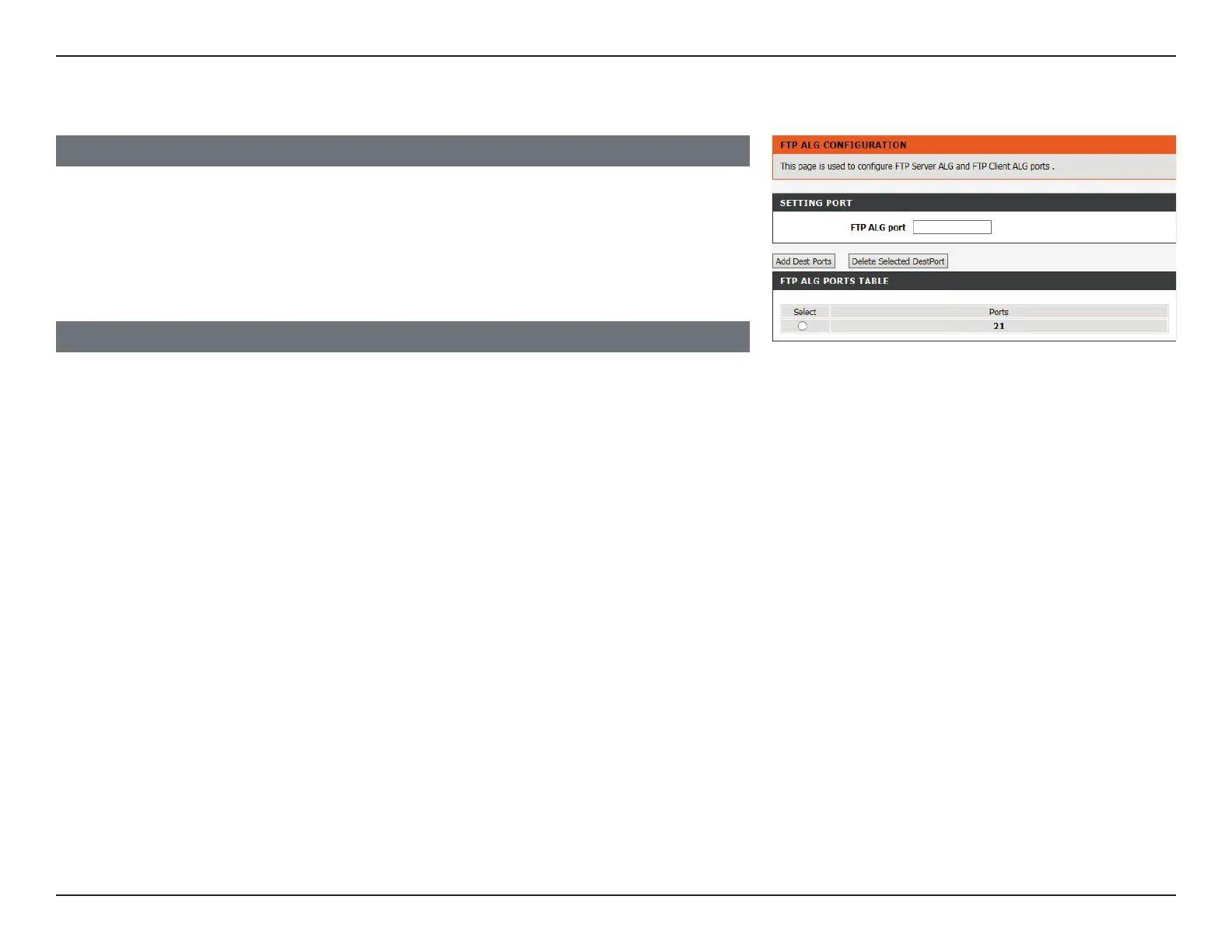
FTP ALG PORTS TABLE
The current list of FTP ALG ports is displayed.
Click Add Dest Ports when you are done. To delete a currently assigned FTP ALG port,
select it from the table and click the Delete Selected Dest Port button.
SETTING PORT
FTP ALG Port: Enter the FTP ALG port.



 To Next Page