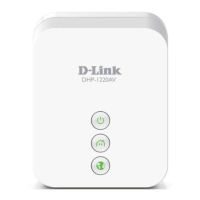
42D-Link DHP-1220AV User Manual
Section 4 - Connecting to a Wireless Network
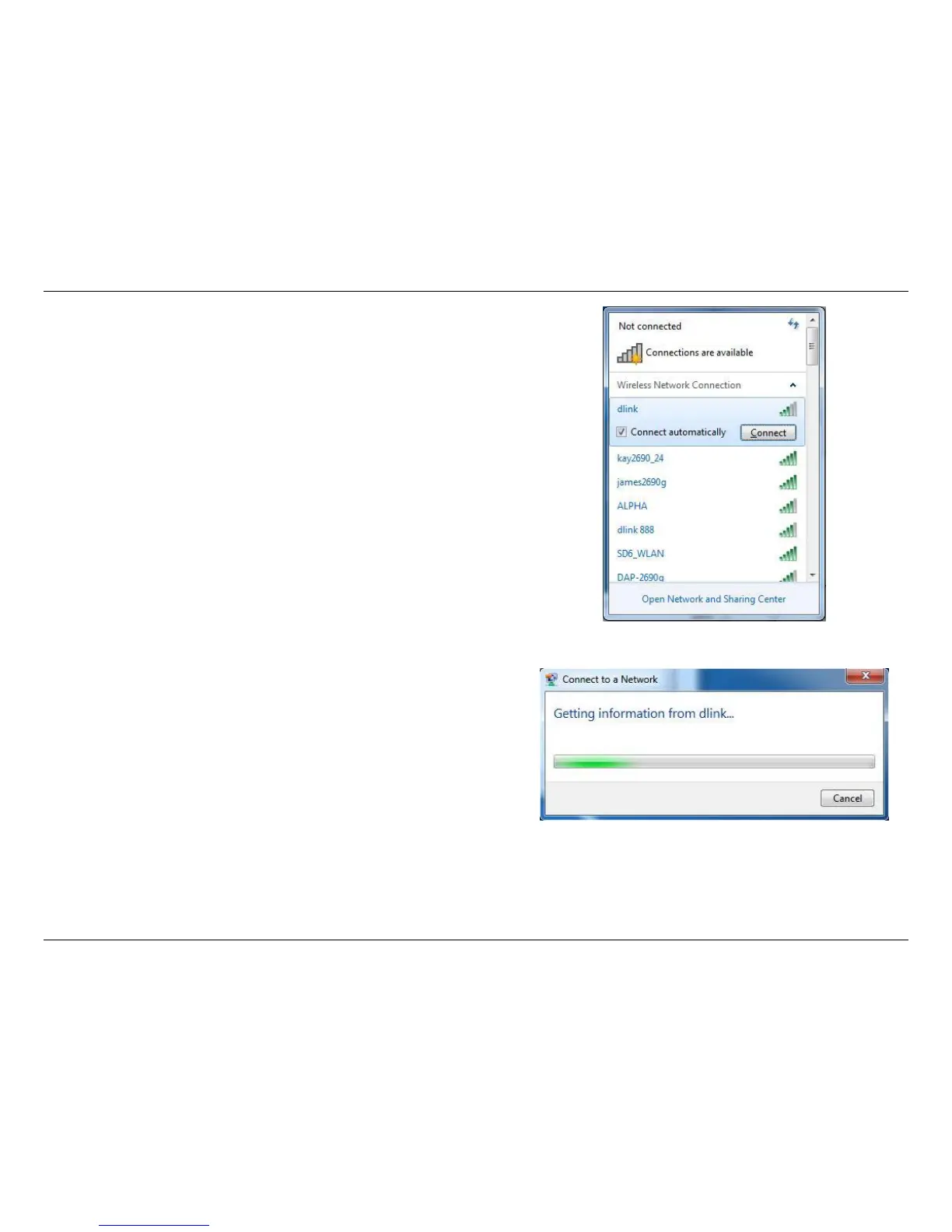
4. The following window appears while your computer tries to connect
to the router.
3. Highlight the wireless connection with Wi-Fi name (SSID) you would
like to connect to and click the Connect button.
If you get a good signal but cannot access the Internet, check your
TCP/IP settings for your wireless adapter. Refer to the Networking
Basics section in this manual for more information.






 To Next Page