11
2). How to set at Beginning
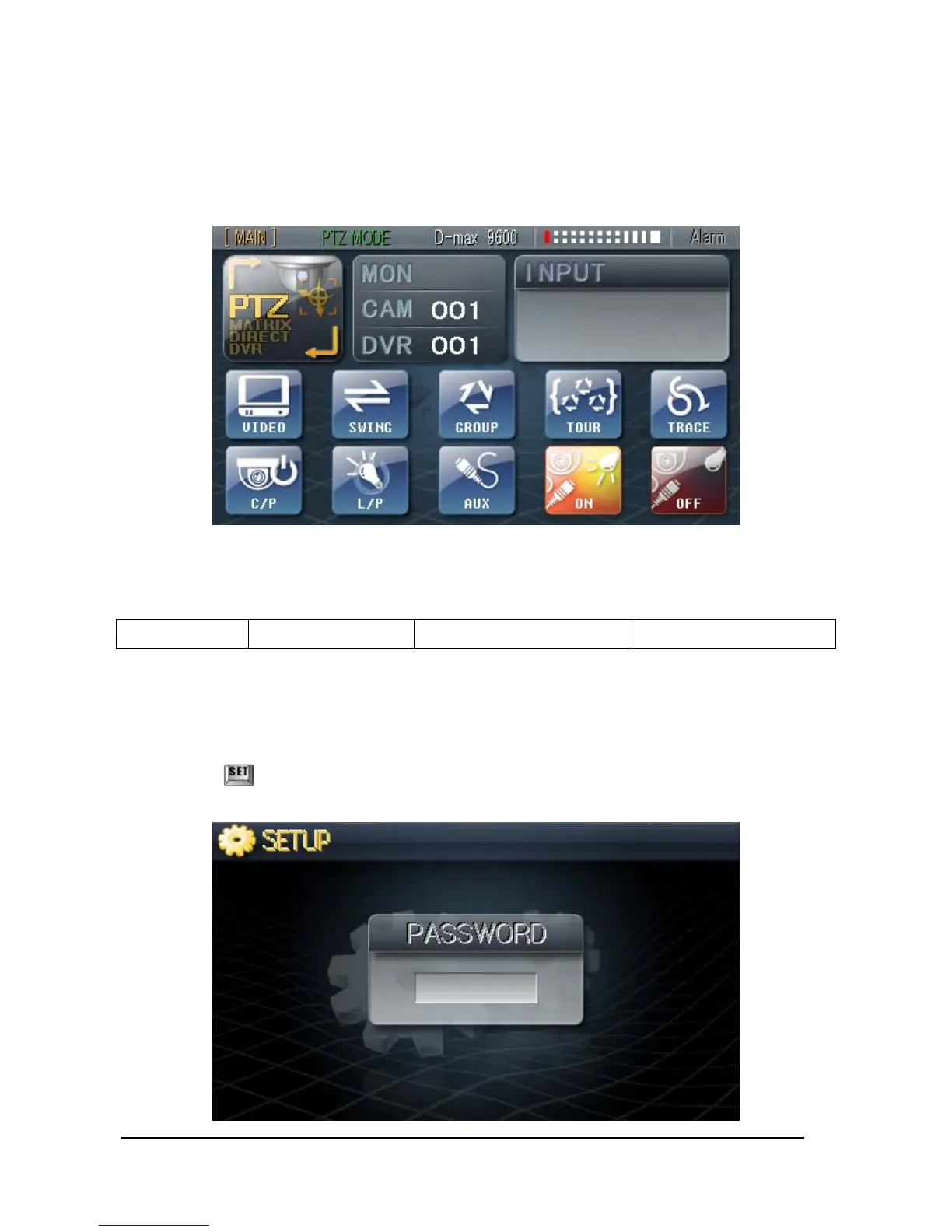
- If the Power is given to the Unit, After loading of Introduction Screen, the below picture
would be appeared.
1. Factory Default
MAIN Keyboard PTZ Control mode Protocol : D-max 9600 CAM : 001 / DVR : 001
2. Setting the ‘SETUP Mode’
On this mode, Main/ Sub Keyboard can be selected and communication setup of camera or
monitor can be set and Password Setup can be made.
① Hold the key for 3 seconds and blank for password input will appear on the LCD as
below,



 To Next Page