33
4) Other Detailed Functions
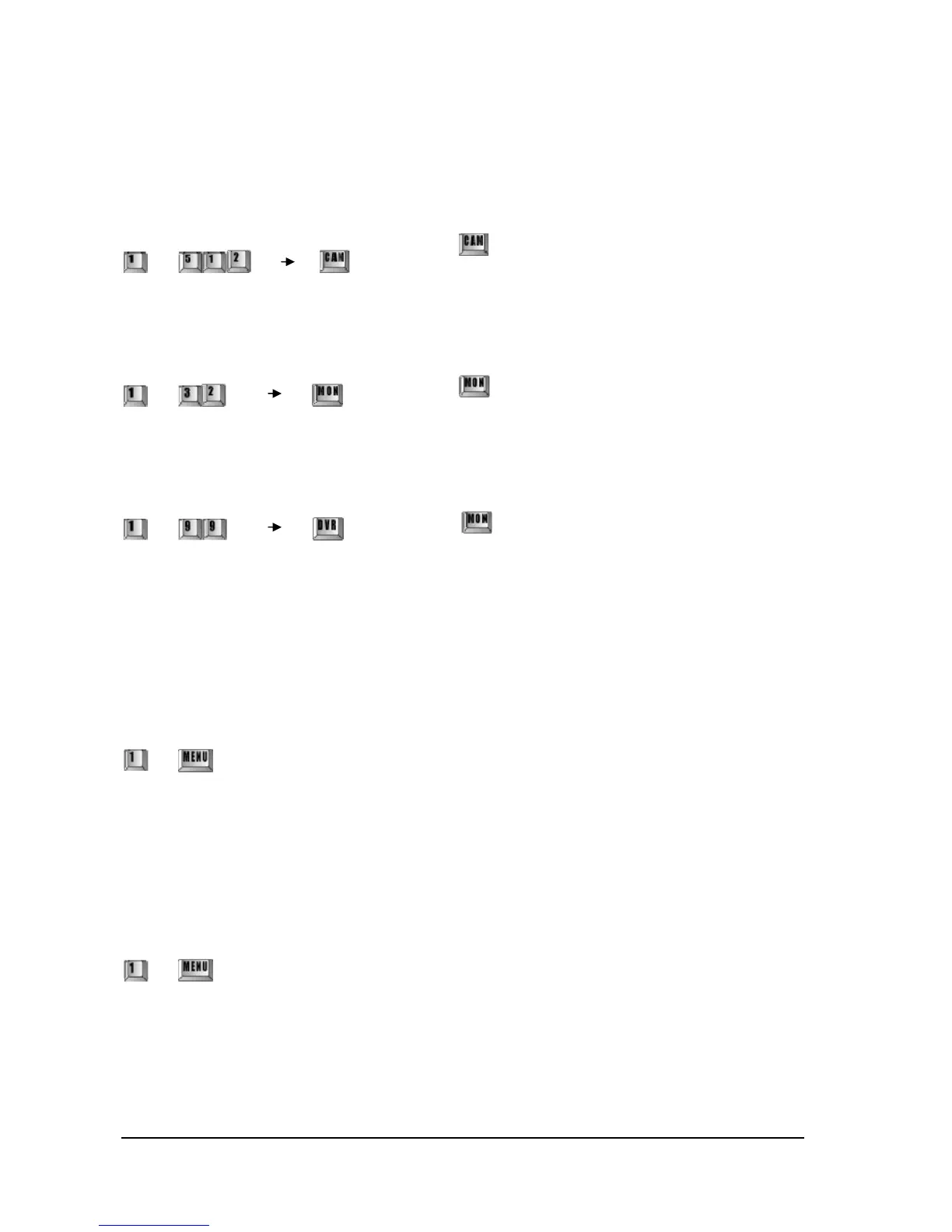
Select Camera
~
Select Monitor
~
Select DVR
~
5). OSD Setup Mode
1. Entering OSD Menu
It brings in camera own menu and the menu will appear with beep sound on monitor if you input as below
¨
2. Control OSD Menu
The cursor will be flickering on monitor (waiting for command)
Move the Joystick right/ left, up/ down and put the cursor as desired.
3. Getting out of OSD Menu
¨
Do as above and the menu on the monitor will disappear and the OSD menu will be released..
※ This function can be used in the speed dome camera only.
※ Please refer to the camera instruction manual for more detailed usage of OSD menu.
! Press any camera number (1~255) you wish to control
and
key
! Press any monitor number (1~32) you wish to control
and
key
! Press any monitor number (1~99) you wish to control
and
key



 To Next Page