21
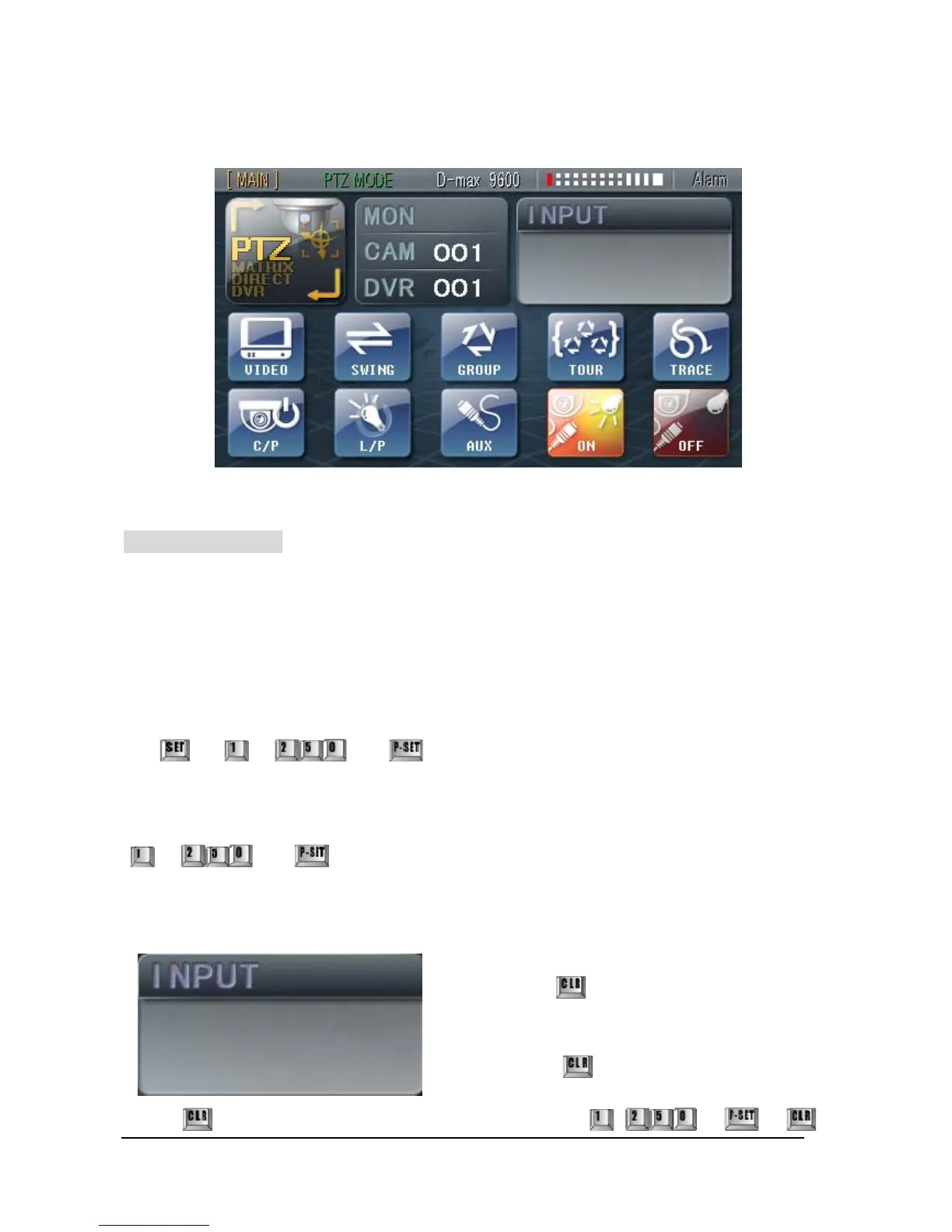
1. PTZ Control Mode Setup and Functions
① Set-Up PRESET
This function allows the camera to automatically move to the designated positions and the
keyboard can program up to 250 preset positions for each camera. The memorized preset
position can be replaced with new preset position (new value).
① Setting PRESET
By using Joystick, move the camera to which you like to set and press
¨ ~ ¨
② Calling Preset Positions you previously set
~ ¨
③ Individual deletion of PRESET
If you hold the
button for 3 seconds, a message,
‘Clear Function!’ will appear and it will become CLEAR
Mode. Delete Presets you want and get out of the ‘CLR’
Mode by pressing
button again.
Press
button for 3 seconds until you hear a beep and press ~ ¨ ¨
000
Clear Function !



 To Next Page