18
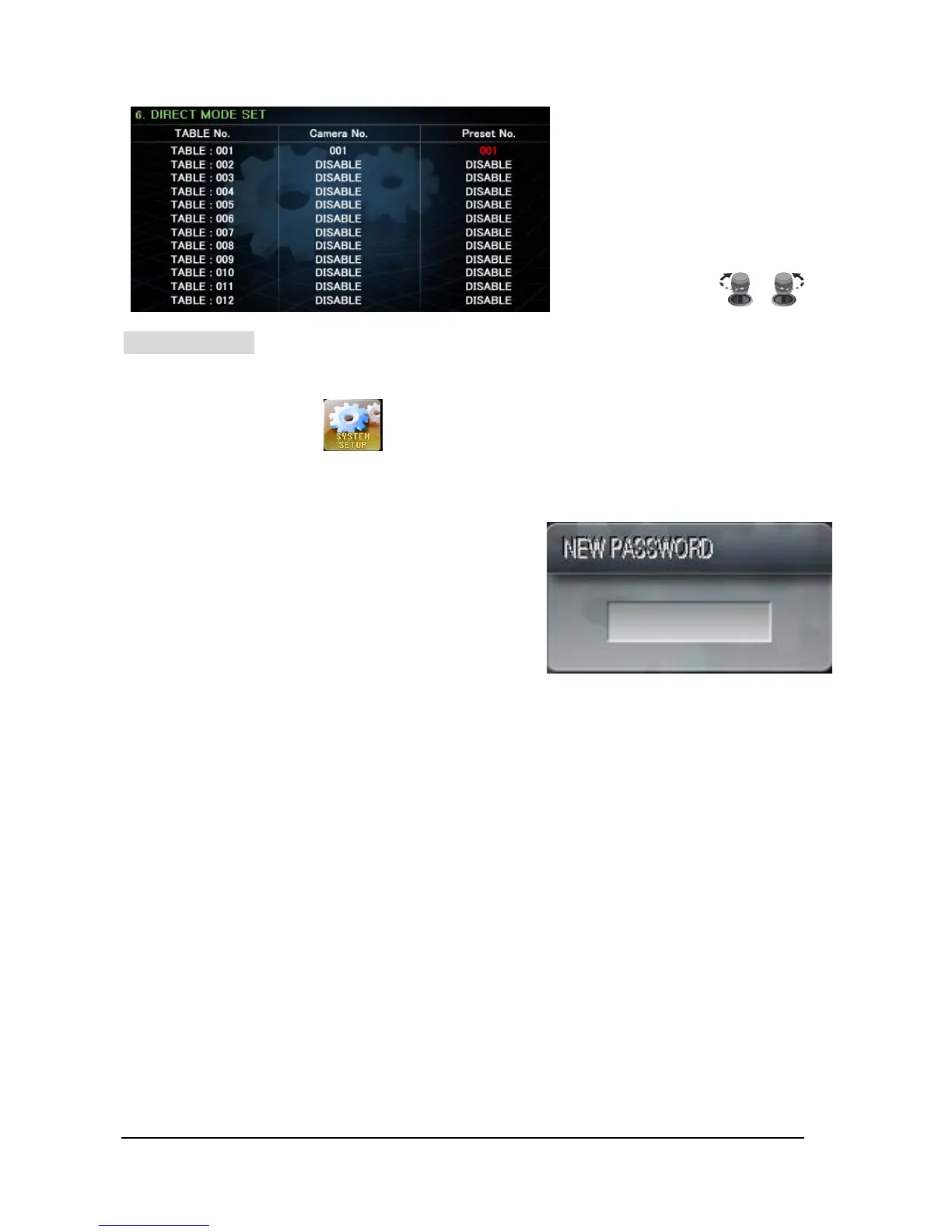
TABLE No. – it’s available to set
from 1 to 999 numbers.
User can set Camera number &
Preset number by Joy-stick.
Move the Joy-stick UP/Down,
Left/Right and set by turning upper
head of Joy-stick.
SYSTEM SETUP
This is Factory Re-Set, Set-Up new Password, and Change Multi-language (Third country language)
menu.
① On SET-UP Menu, Press button, then will go into “SYSTEM SETUP” mode.
1) Change Password
Available to change the Password of Keyboard.
① Select ”1) CHANGE PASSWORD” and using Joy-Stick
to move “Left” or “Right”, then will find a window to
input the new Password.
② Input your expected Password (4 words of numeral)
and repeat it again, then will find a message of
“CHANGE PASSWORD” on screen.
③ After Change Password, press F/F button to save the new Password and then move to Top Menu.
2) FACTORY RESET
All Setup value will be changed into “DEFAULT”.
① Select ”2) FACTORY RESET” and using Joy-Stick to move “Left” or “Right”, then press ”F/F”
button.
② Show “Rebooting…” message on screen, and then all set-up values would be changed to factory
default values and would be boot up the Keyboard.
3) LANGUAGE
Change UI (User Interface) Language.
① You can change the language when you select “3) LANGUAGE”.
* Selectable Language: KoreanÆJapaneseÆRussianÆPolishÆEnglish
② After select language what you want, press “F/F” button to save this selection. Then the system
would be restarted.
* * * *



 To Next Page