17
DIRECT MODE
◆ Concept of DIRECT Mode ◆
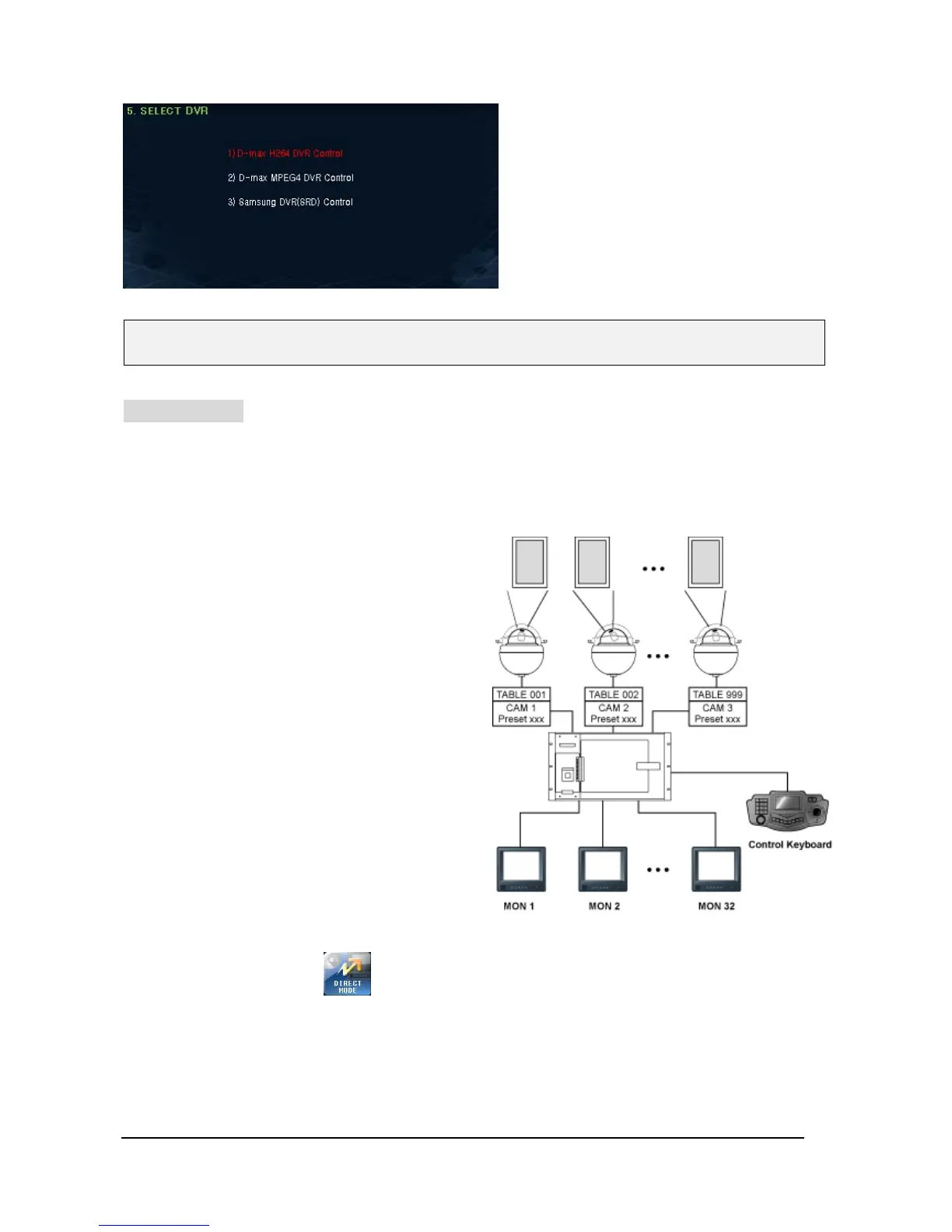
When Matrix system user set-up and use
Preset function on a specific PTZ camera,
DIRECT Mode is a shortcut menu.
For your information, the user who operates
PTZ camera through Matrix system can use
the DIRECT mode.
This mode is most useful to keep on eye on
Guard Posts and Casino.
On SET-UP Menu, Press button, then will go into “DIRECT MODE SET”.
♦ In case of Samsung DVR, it supports some specialized model, so please ask it to supplier at first.
Using Joy-stick “UP” & “ Down” moving
• D-max H264 DVR
• D-max MPEG4 DVR
• Samsung DVR(SRD)
After select one which it will control to DVR, then
press “F/F” to Save the set-up data and then
move to Top Menu
Sub



 To Next Page