25
③ Deleting TOUR
(for 3secs.)¨ ¨
※ Hold the
button until you hear a beep.
※ If the TOUR is deleted, the GROUP tied in it will also be deleted.
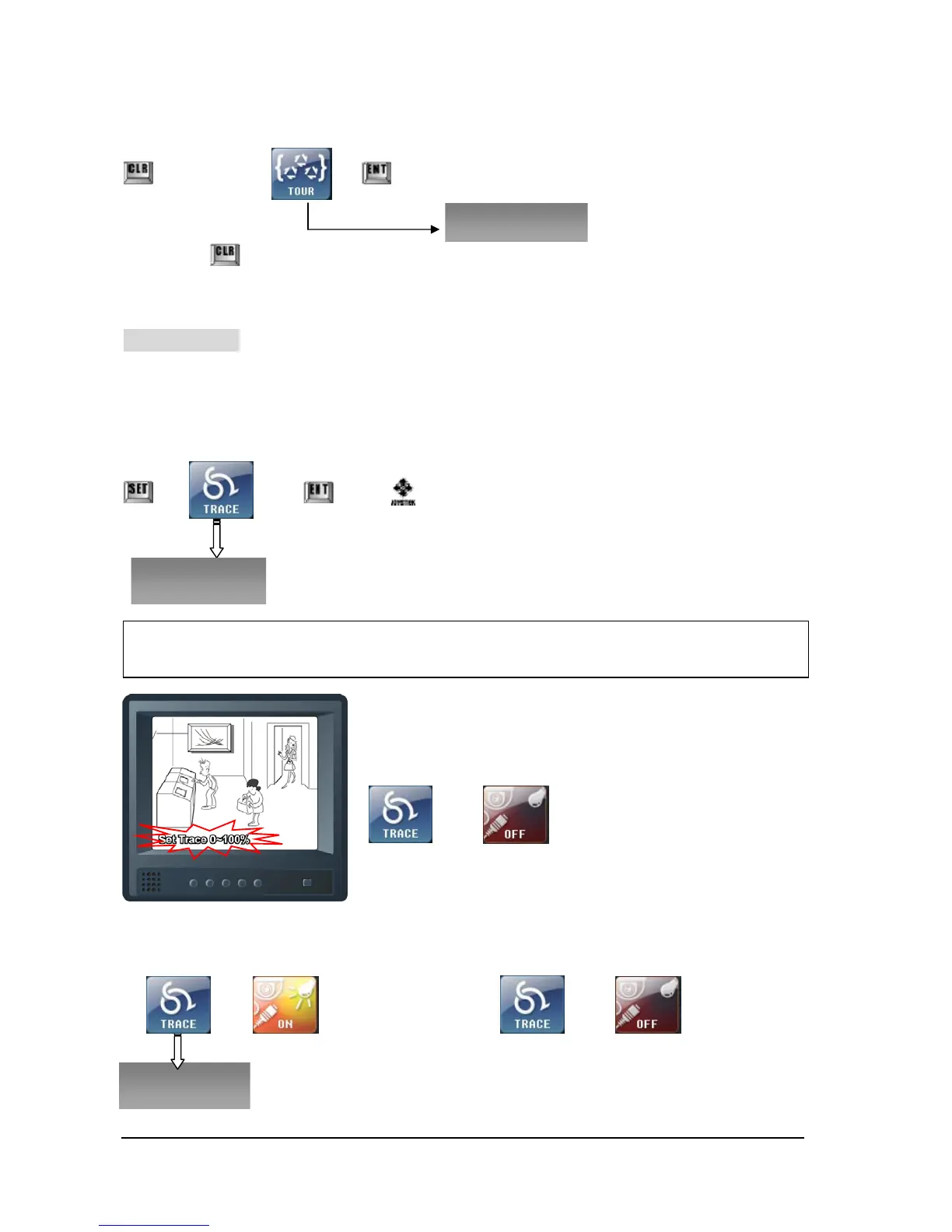
⑤ Set TRACE
This function allows you to track (play back) the movement the user had operated with
panning, titling, zooming for more than 95 seconds.
① Set TRACE
¨ ¨ ¨ Move
※ While you move the Joy-stick it saves and its progress will be
seen as left drawing.
If you wish to stop to set-up Trace during moving the Joy-stick,
¨ touch buttons like as left, then save it
② Run TRACE ③ Stop TRACE
¨ ¨
※ To Set-Up & Delete Trace, it’s available to set on Keyboard only.
※ If Trace has already been set, ‘Sorry Not Blank!’ will appear and you will need to set up again
after deleting Trace.



 To Next Page