24
③ Stopping GROUP
Press button or touch the Joystick to stop. (If you stop it by Joystick, It will be
running again.
④ Deleting GROUP
¨ ¨
※ Press
key until you hear a beep and put your hand off from the button.
There is no way to delete each GROUP respectively and all GROUPs will be deleted at a time.
④ Setting TOUR
Up to 12 GROUPs can be tied in TOUR and it enables you to execute those GROUPs
consecutively.
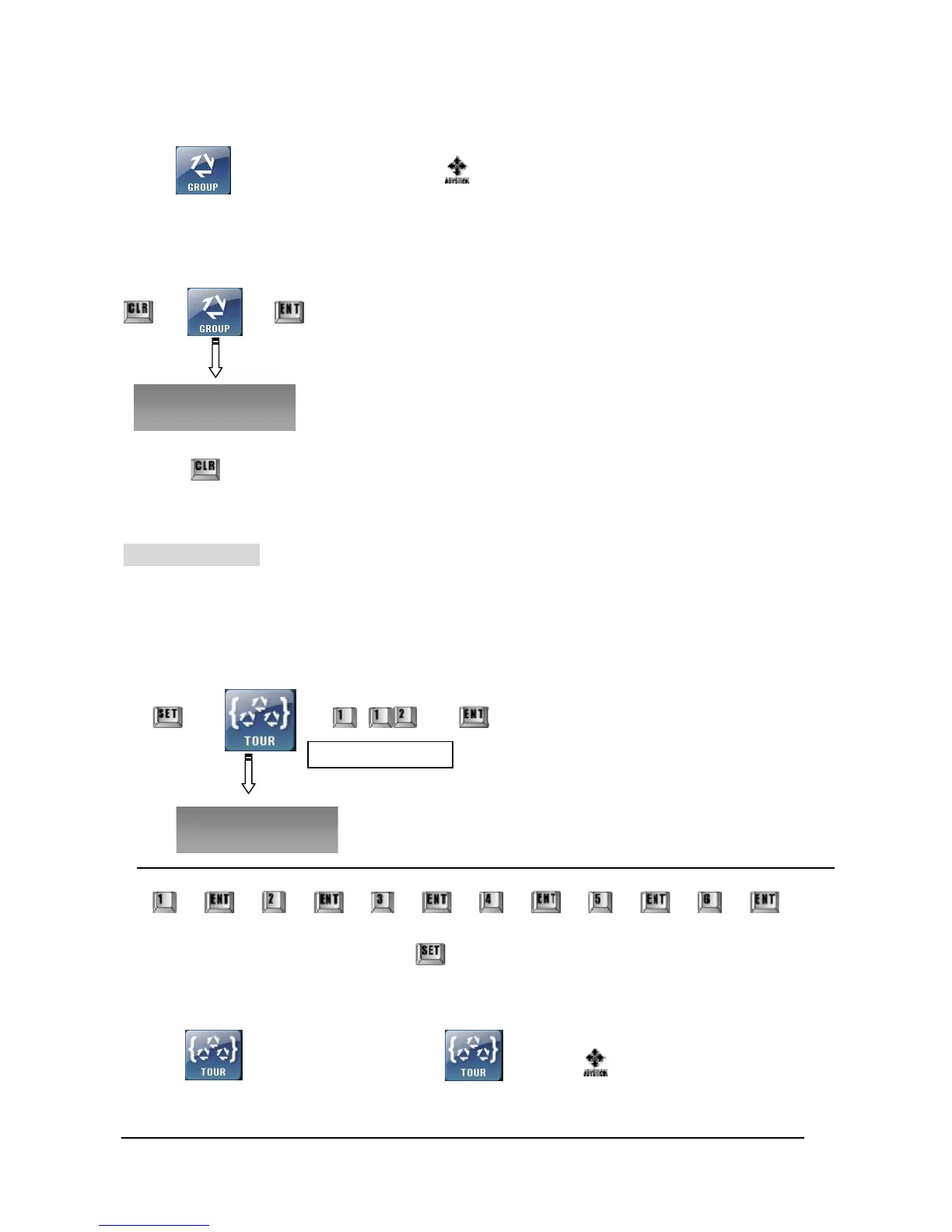
① Inputting TOUR
¨ ¨ ~ ¨ ¨ Repeat the procedure for other GROUPs.
¨ ¨ ¨ ¨ ¨ ¨ ¨ ¨ ¨ ¨ ¨
¨ When you finish all inputting, press
key at the last.
② Execute or Stop TOUR
Touch 버튼 key to execute and touch again or to stop.
If it is stopped by Joystick, TOUR function will resume in a few seconds.
Select GROUP (1~12)
All Group Clear?
Group No.? 1-12



 To Next Page