31
Revert to 16 quad mode
Auto Sequence each channel will be
conducted in Live according to setting
dwell time between camera. Set
[MENU]-> [DISPLAY] -> [Auto
Sequence]
In case of emergency, press
“EMERGENCY” button to start
recording forcibly regardless of the
recording schedule with setting
resolution and recording frame in all
channel.
Avoiding HDD waste, have to change
to “Schedule recode” mode
※ Control DVR by Keyboard, when user may requested input DVR password by Keyboard, press input
password by numeral buttons(
~ ) and then press button one by one.
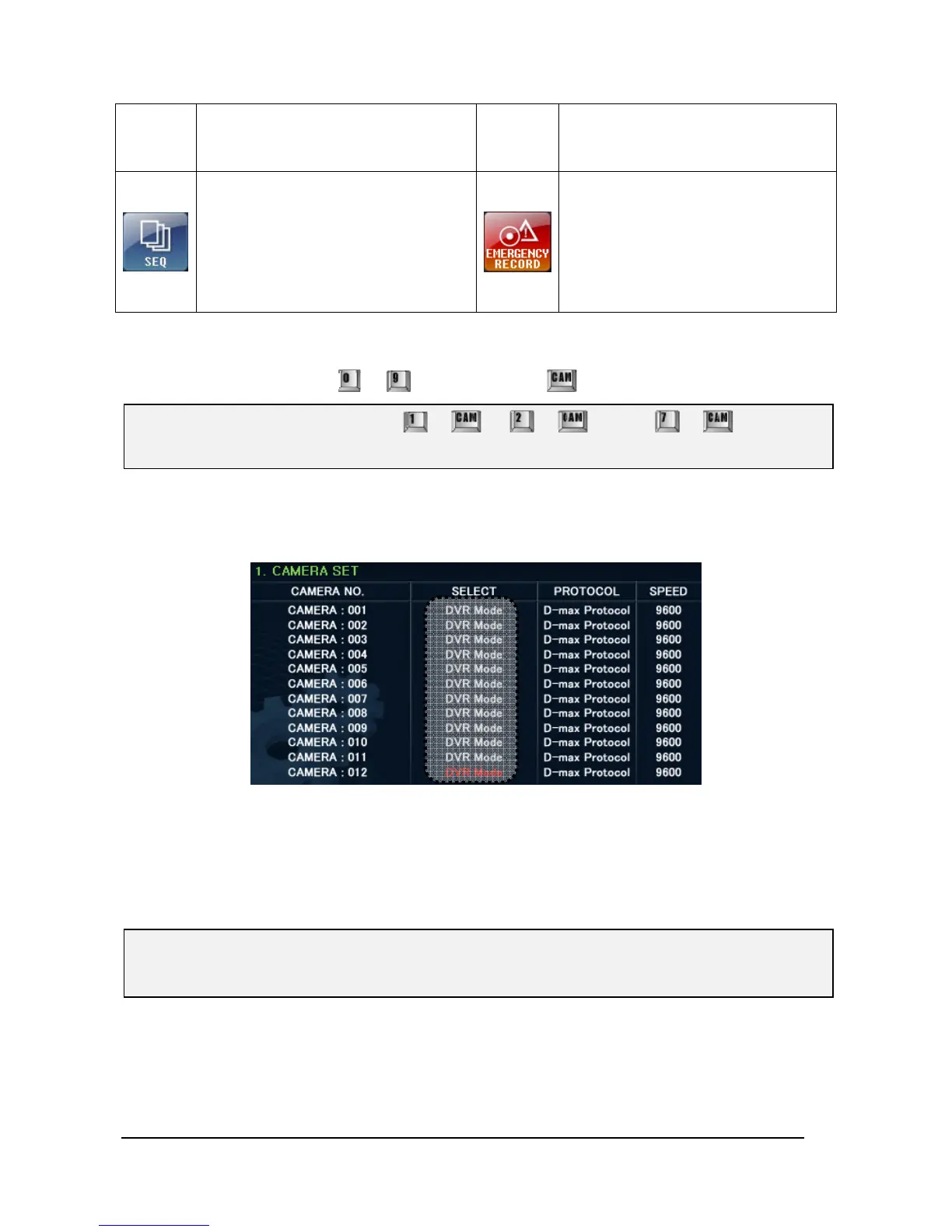
When try to control PTZ camera or Set-Up mode and if it doesn’t work anything, please check
(SETUPÆ1.CAMERA SET) is DVR mode or not.
On DVR mode, PTZ camera should be connected with DVR and CAMERA NO.1~16 should be selected
to DVR Mode, because only 9CH/16CH DVRs work with PTZ camera.
In case of H.264 DVR, DVR ID should be same as 는 DVR Remote Controller’s ID. So please check
the ID in Front LCD of DVR.
※ Please consult the DVR instruction manual for DVR OSD Menu or other related information in
detail.
Ex). If Password is “1234567”, press + Æ + Æ … Æ + buttons
one by one.



 To Next Page