Equipment Installation Manual,
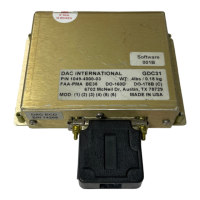
GDC31 Roll Steering Converter
6. Create and activate a flight plan in the GPS unit according to existing maintenance and / or flight
manual instructions. Manually fly the aircraft until the cross track error is between 1 and 3 miles.
7. Place the HDG/GPS Mode selector in the GPS position. Observe that GPS illuminates and is not
blinking.
8. Observe that the aircraft turns to intercept the course selected in Step 6. Note: The GDC31 limits
the intercept angle to 45º maximum. (Intercept angle = difference between Desired Track and
Track.)
9. Observe that the aircraft captures the course without overshoot or undershoot.
10. Operate the heading bug; observe that the heading bug has no effect.
11. Select HDG on the HDG/GPS Mode selector.
12. Observe that the aircraft follows the heading bug.
13. Flight test complete.
1049-2510-01 G.doc
1049-2510-01
Rev G Page 22 of 47


 To Next Page