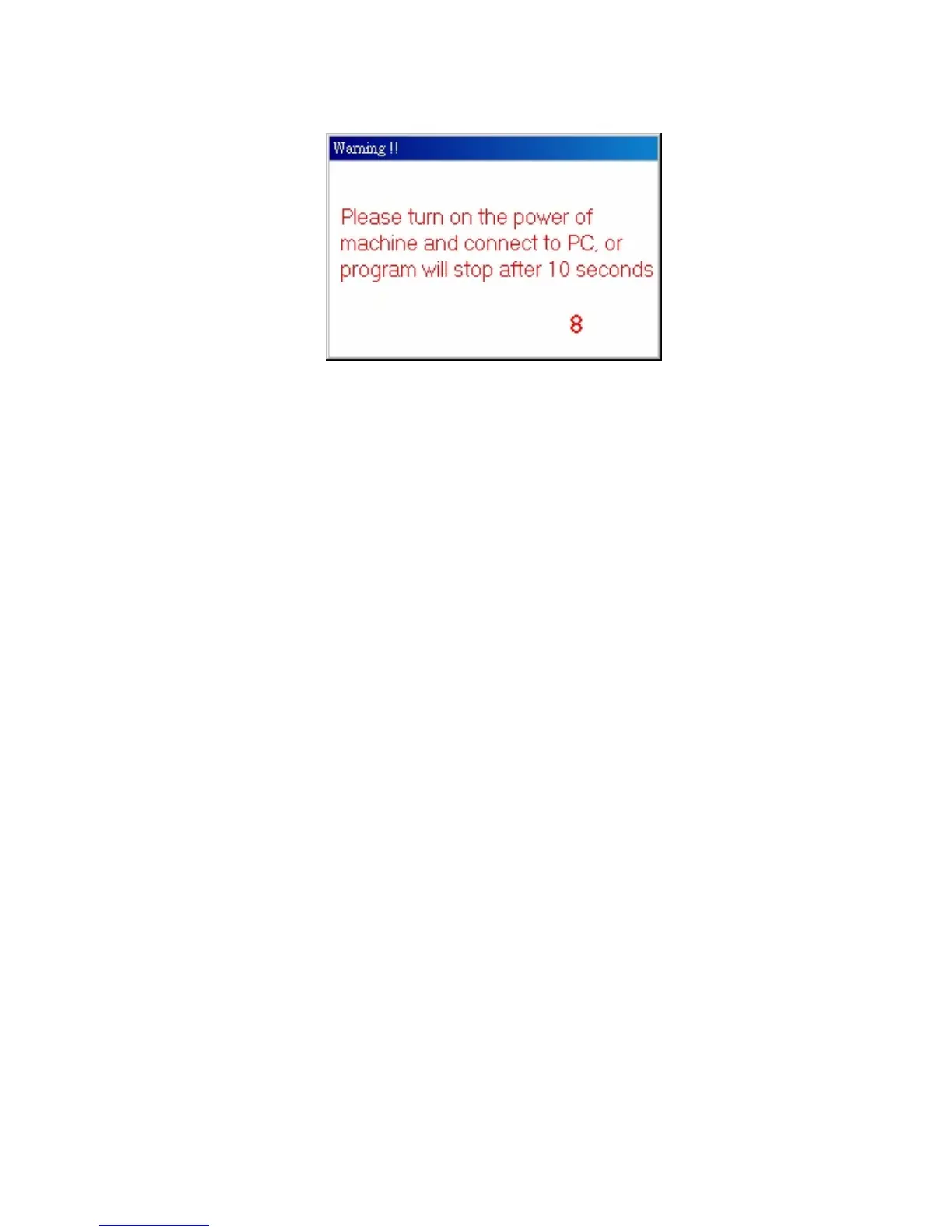
Warning Sign
This warning sign will appear due to these reasons:
1. CD Library machine has no power (Solution: Plug in AC
adapter)
2. CD Library machine USB cable does not connect to the
computer. (Solution: Plug in USB cable in the computer)
3. Your computer does not recognize this device.
1) Make sure the USB slot on your motherboard is
working properly. If you are not sure about this,
please ask someone who is familiar with computer
hardware.
2) Check「Device Manager」 if the 「USB Human
Interface Device」 has appeared or not.


 To Next Page