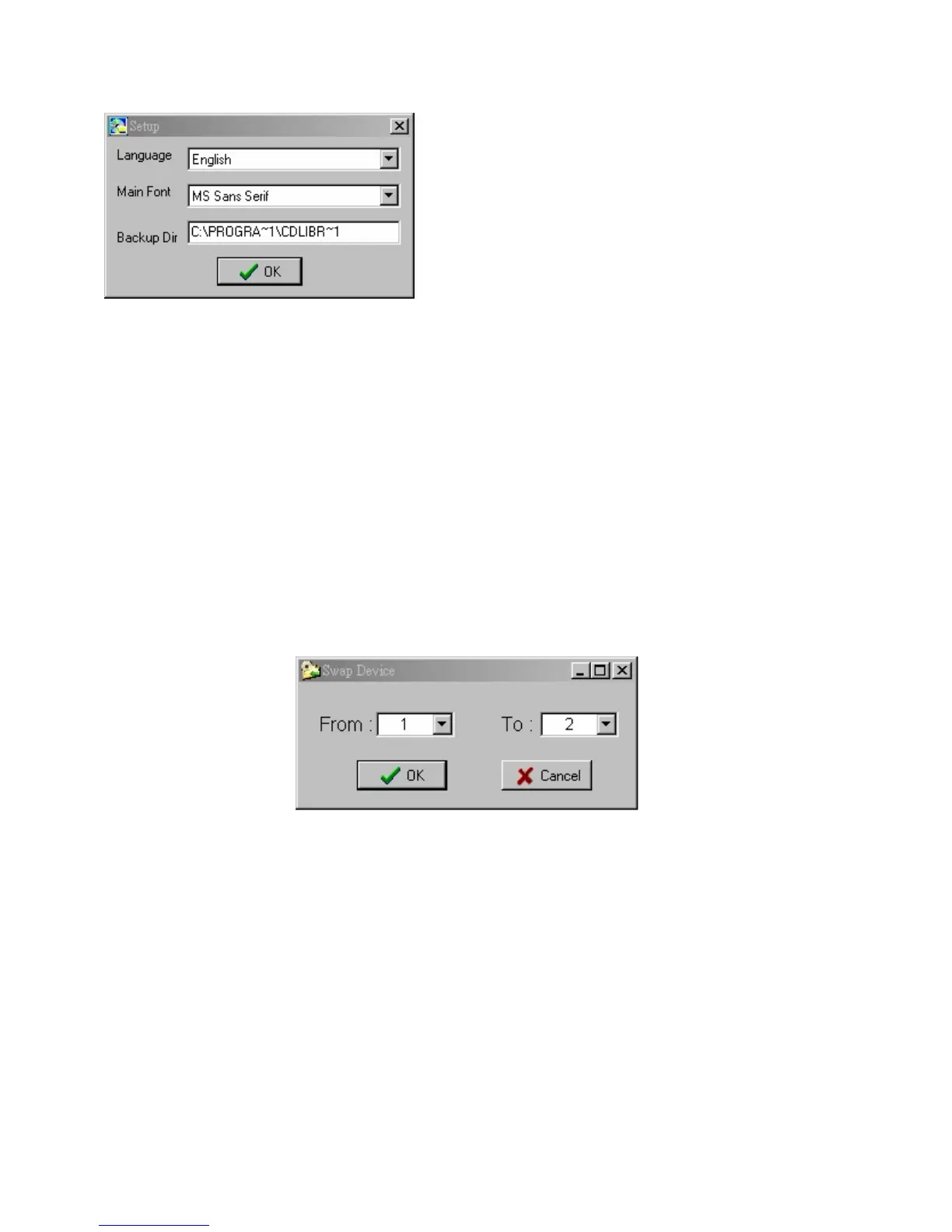
Setup
1. Language: You can select language to change the interface language.
(Traditional Chinese, Simplified Chinese, English, French, German,
Italian, Spanish, Korean, and Japanese)
2. Font: Change the font to fit your monitor display.
3. Backup Directory: Change the backup files directory.
Swap Device ID
Each CD Library has a unique ID number in the chip ( or machine),
software will grab the ID number and save it in the file called 「dbid.txt」,
the location is C:\Program Files\CD Library\dbid.txt


 To Next Page