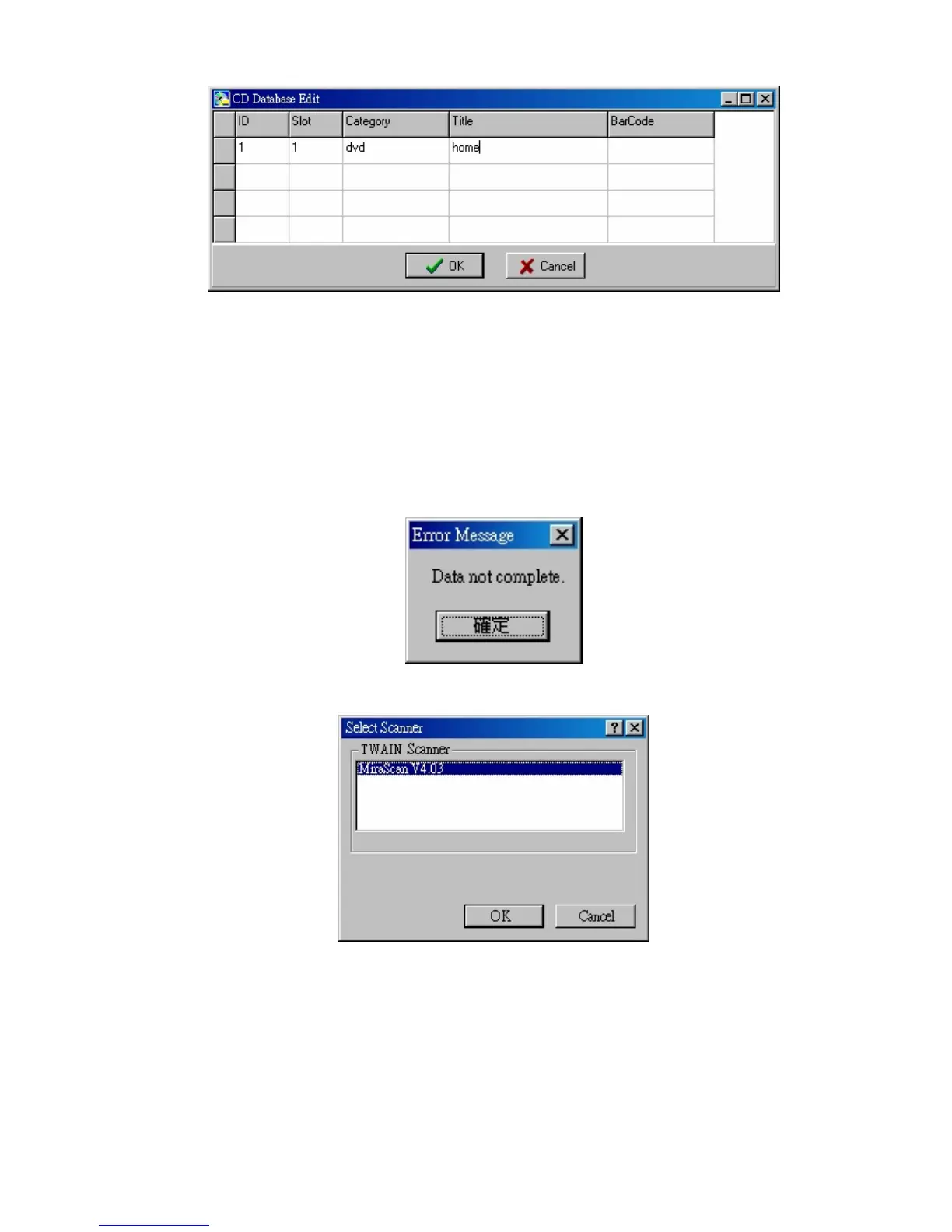
CD Edit
Maybe you want to edit a lot of CDs at one time; it is not so convenient
if you use 「Add/Edit」 and type in information one by one. You can use
this 「CD Edit」 function to edit numbers of CDs at one time.
Note!! When you click 【OK】, it will appear 「Data not complete」,
which is normal, do not worry.
Acquire
This function brings you scanner program, when you want to add more
pictures on 「Preview」 tab, you can use this function.


 To Next Page