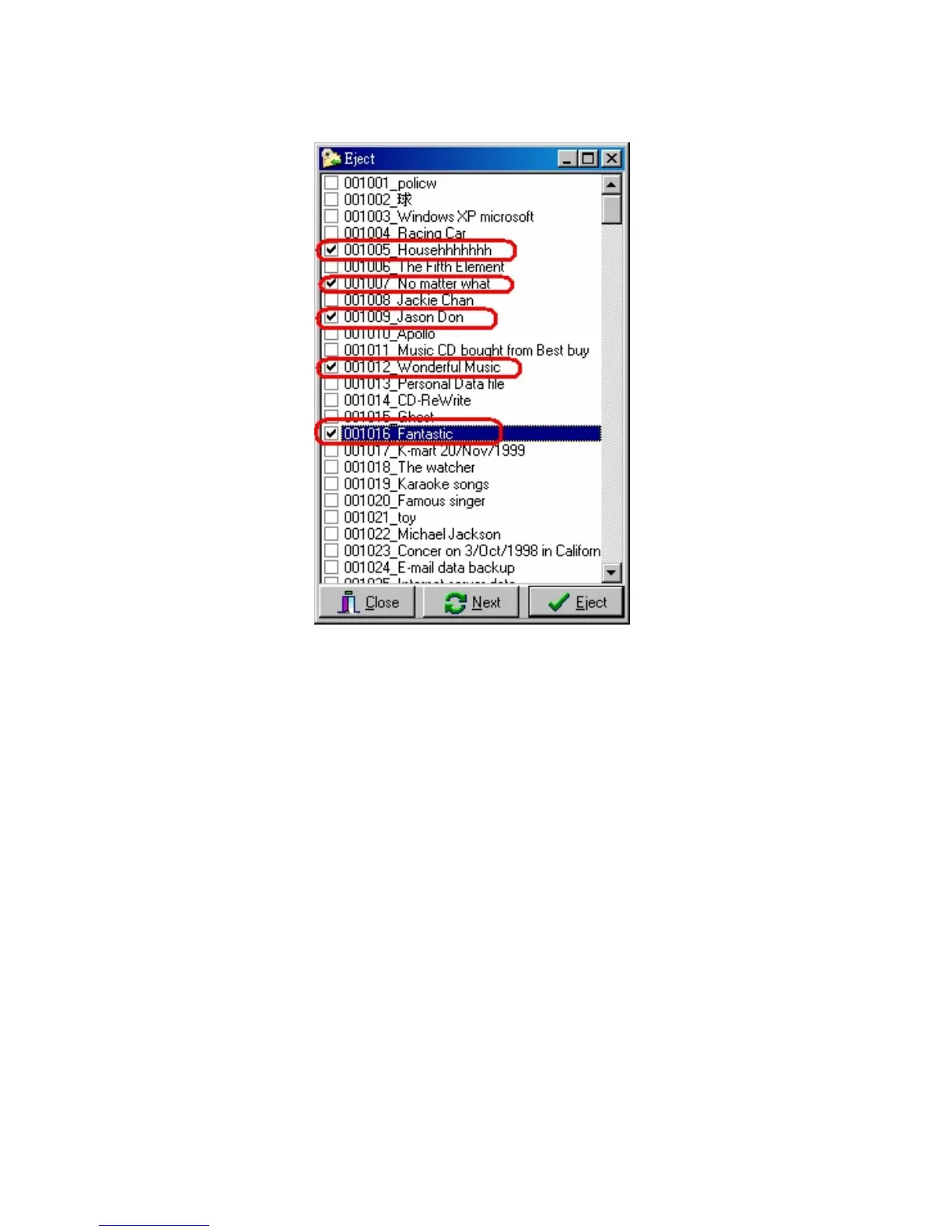
Multi selection
If you want to pick up many CDs at one time, you can use this function.
Select the CDs you want, and click 「Eject」, CD Library will go to slot 5,
pop up the CD, wait for 3~5 seconds, then go to slot 7, pop up the CD,
wait for 3~5 seconds
Using 「Next」 to force CD Library go to next slot quickly.


 To Next Page