15
7)
Afterallsettingchangesarecompleted,
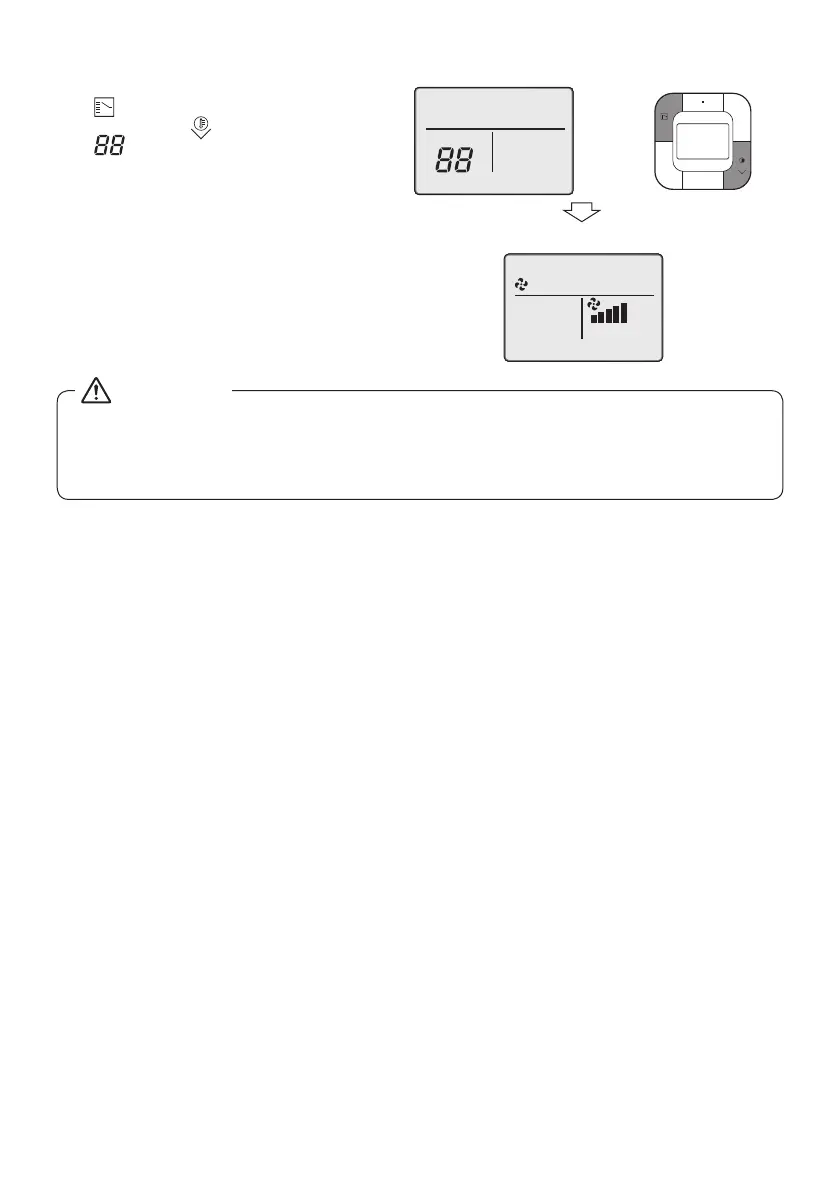
press both the Mode Selector button
(
) and the Temperature Setting
(down)button(
) for 1 second.
“
”isdisplayedduringinitialization.
8) Aftertheinitialization,thebasic
screen returns.
7)
8)
[Initialization screen]
[Basic screen]
•
Whenanoptionalaccessoryisinstalledontheindoorunit,settingsoftheindoorunitmaybe
changed. Refer to the manual of the optional accessory.
•
Foreldsettingdetailsoftheoutdoorunit,refertotheinstallationmanualattachedtotheoutdoor
unit.
CAUTION
01_EN_4P543053-1C.indd 15 10-May-19 4:13:23 PM



 To Next Page