26
3
•
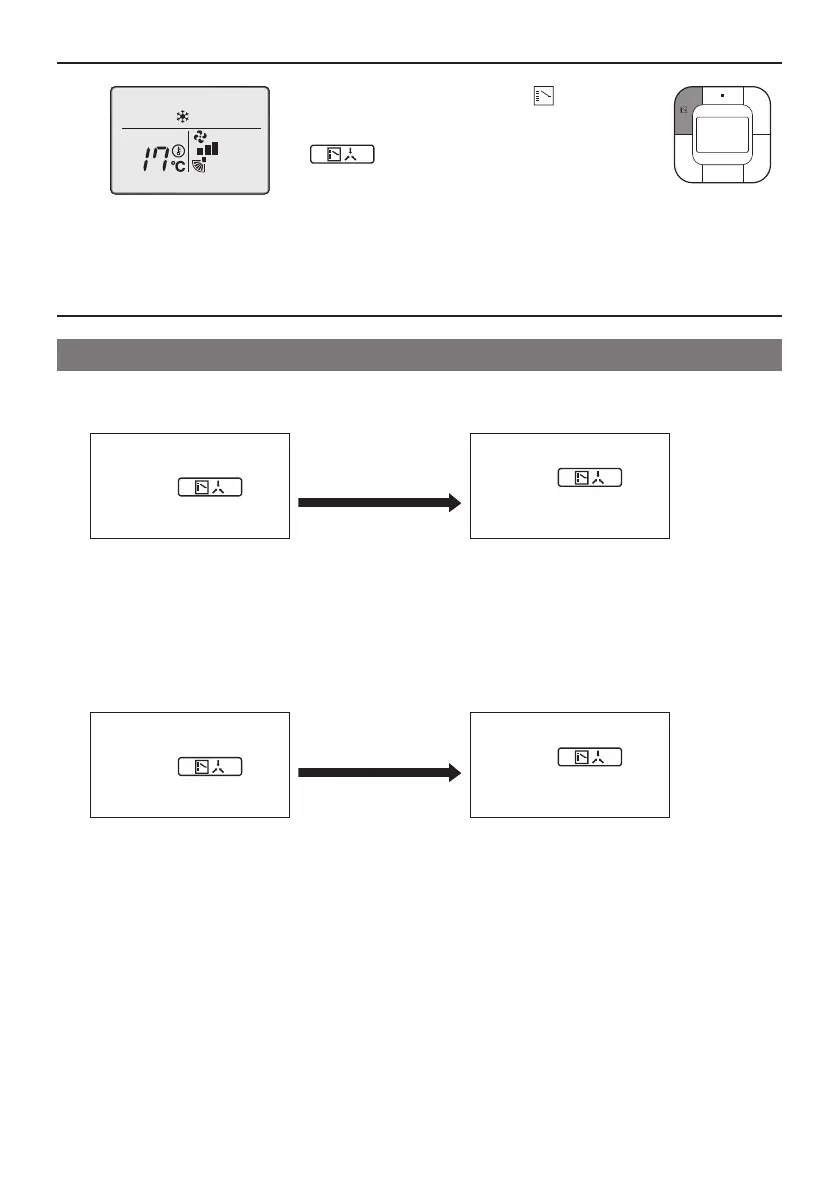
Press the Mode Selector button ( ) on the
remote controller that has the Cool/Heat selection
eligibility(theremotecontrollerwithouttheicon
“ ”)severaltimesuntilthedesiredmode
isselected.Thedisplaywillchangeto“Fan”,“Dry”,
“Auto”,“Cool”,“Heat”eachtimethebuttonis
pressed.
• Thedisplay“Auto”willappearfortheHeat
Recovery system only.
Simultaneously,theotherremotecontrollerswill
followsuitandchangethedisplayautomatically.
Cool/Heat selection eligibility
• The“Cool”,“Heat”,“Auto”canbesetbyonlytheremotecontrollerthathastheCool/Heatselection
eligibility.(Thedisplay“Auto”willappearfortheHeatRecoverySystemonly.)
1.
Theremotecontrollerwith
the selection eligibility
(Icon“ ”
(ChangeoverUnder
Control) is not displayed)
Setto“Cool”,“Heat”,
“Dry”,“Auto”mode.
Otherremotecontrollers
(Icon“ ”
(ChangeoverUnder
Control) is displayed)
• Thesystemwillgointothemodesetin
theremotecontrollerwiththeselection
eligibility.Othermodesarenotavailable.
• However,thesystemcanbeswitchedto
“Fan”mode.
Incaseof“Cool”or“Dry”mode,the
systemcanbeswitchedto“Dry”mode
from“Cool”modeandtovice-versa.
2.
Theremotecontrollerwith
the selection eligibility
(Icon“ ”
(ChangeoverUnder
Control) is not displayed)
Setto“Fan”mode.
Otherremotecontrollers
(Icon“ ”
(ChangeoverUnder
Control) is displayed)
• The system cannot be set to other modes
exceptfanmode.
01_EN_4P543053-1C.indd 26 10-May-19 4:13:29 PM



 To Next Page