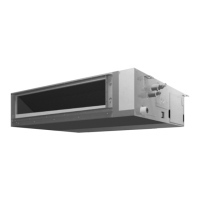
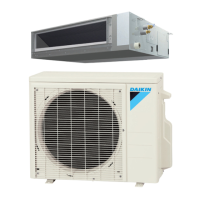
SiUS091601EA Functions for FDMQ Series
Part 4 Functions and Control 70
3.4 Schedule Timer Operation (With BRC1E73)
Outline Day settings are selected from 4 patterns:
7 Days
Weekday/Sat/Sun
Weekday/Weekend
Everyday
Up to 5 actions can be set for each day.
Details Set the startup time and operation stop time.
Setting the schedule
ON: Startup time, cooling and heating temperature setpoints can be configured.
OFF: Operation stop time, cooling and heating setback temperature setpoints can be
configured.
( --: Indicates that the setback function is disabled for this time period.)
__: Indicates that the temperature setpoint and setback temperature setpoint for this time
period is not specified. The last active setpoint will be utilized.
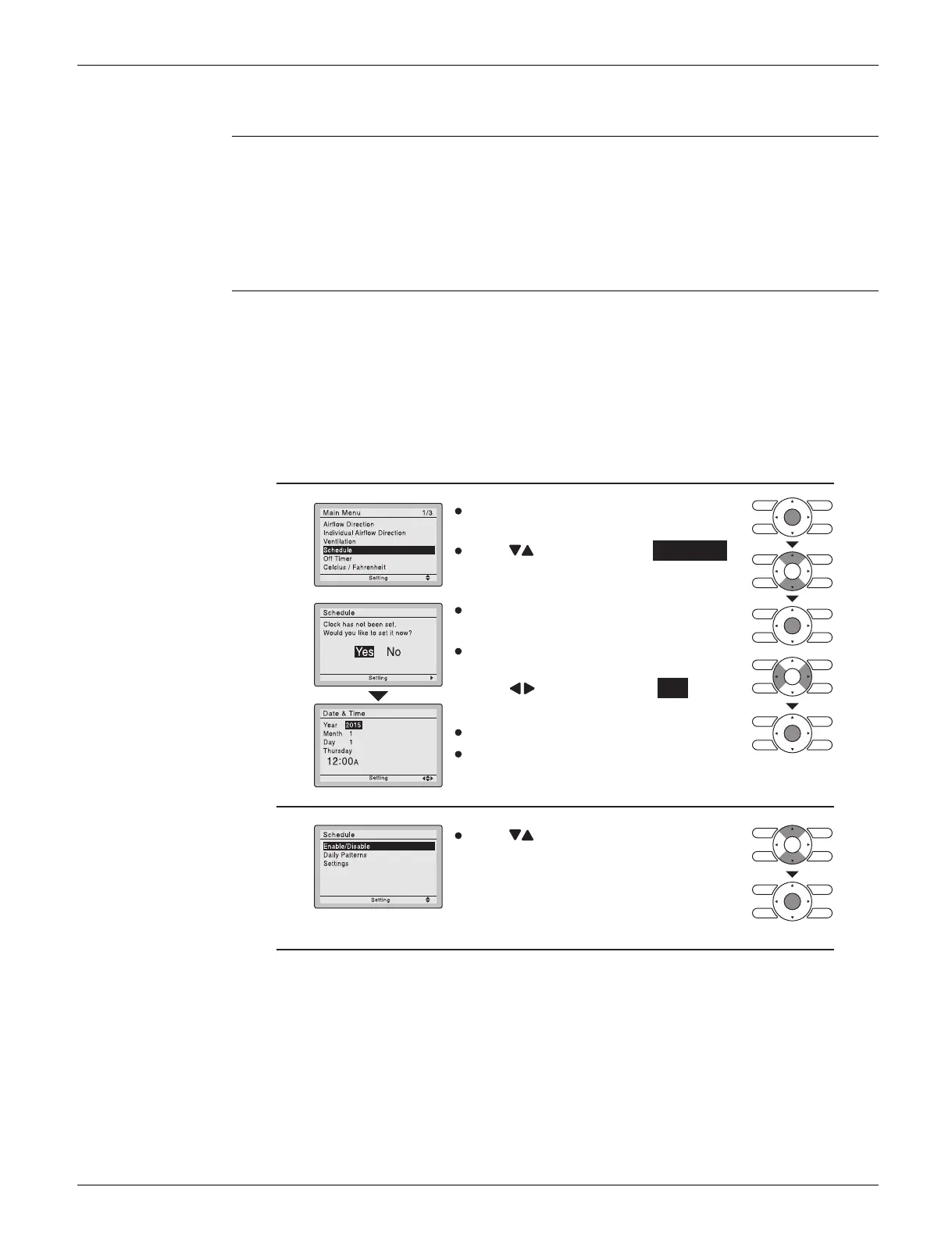
1
Press buttons to select Schedule .
Press Menu/OK button to display the
schedule screen.
The date & time screen will appear.
2
Before setting the schedule, the clock
must be set.
If the clock has not been set, a screen
like the one on the left will appear.
Press buttons to select
Yes and
press Menu/OK button.
Set the current year, month, day, and
time.
Press buttons to select the desired
function on the schedule screen and
press Menu/OK button.
(R24369)
Press Menu/OK button to
display the main menu screen.


 To Next Page
 Loading...