Page 55 of 58
SK2019 FMCD-V-ECM-001
Press to confirm settings and exit. If no operation within 6 seconds, it will automatically exit and
the setting will not be saved.
12. Global control setting
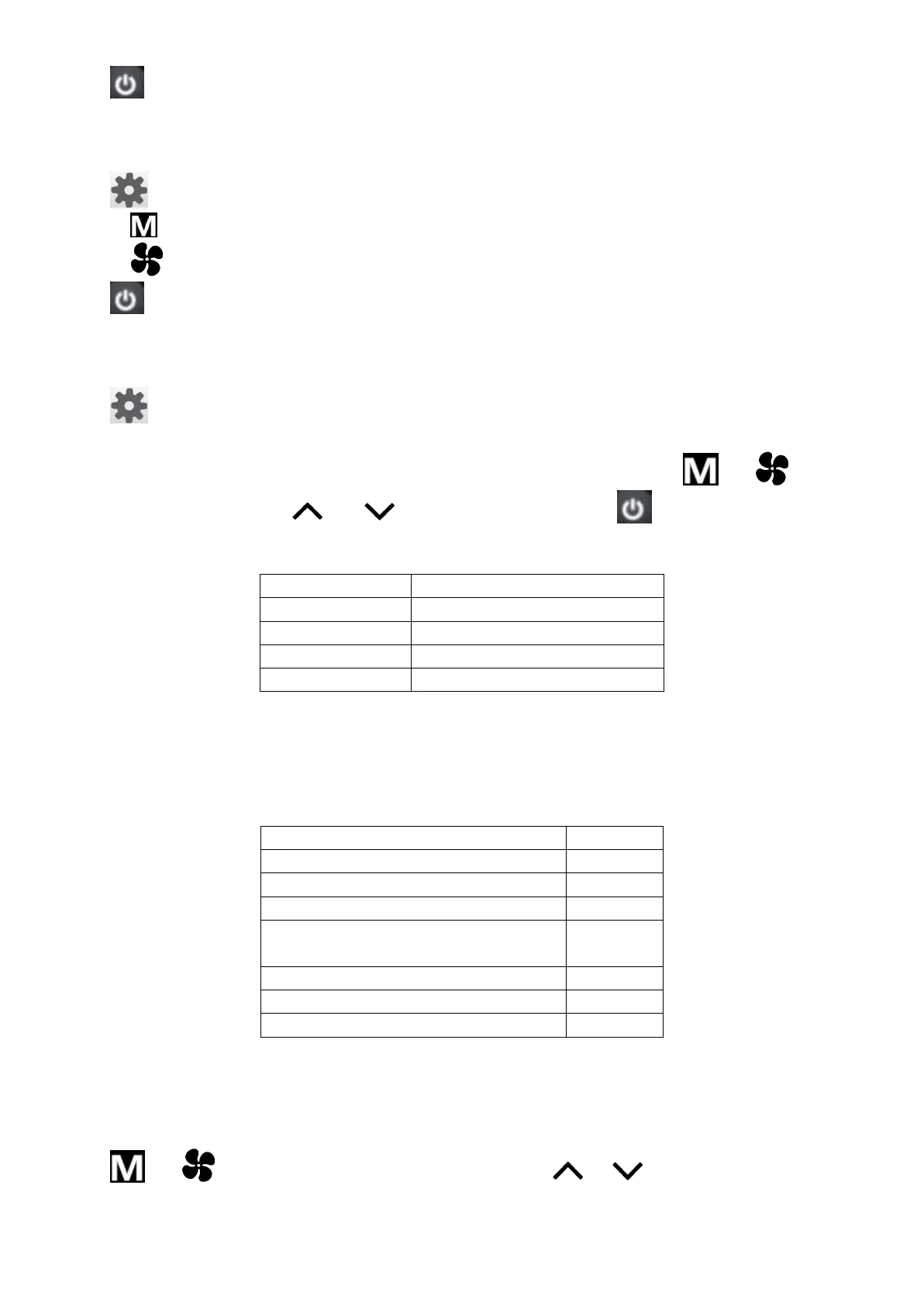
Press five times to set global control and “Network” icon blinks.
1) Press , timer on/off icon blinks and all slave units’ timer on/off function setting are cancelled.
2) Press , all slave units time are set to the same as master units.
Press , master unit sends commands to all online slave units. “Network” icon is off. If timer on/off
function is set on mater unit, “Network” icon blinks until Timer on/off disappears.
13. Parameter checking
Press six times to enter parameter checking interface. Local unit parameter is shown in temperature
display area. Unit number is shown in real time hour area and parameter number is shown in real time
minute area. For example, 2:03 stands for No.2 unit and No.3 parameter. Press and to select
the specific parameter. Press and to select unit number. Press to exit parameter checking
interface.
Parameters shown below:
Indoor coil 1 temperature
Indoor coil 2 temperature
14. Error codes
When unit error is detected, unit number blinks on real time hour area and Error code blinks on real time
minute area. The Error codes display alternately if more than one error is detected.
If there is no slave unit online, only error code is shown in real time minute area.
Error code table:
Indoor coil sensor 2 faulty
Indoor coil sensor 1 faulty
Indoor coil low temperature
protection
Indoor coil over heat protection
Local communication error
EC0
15. EC motor RPM setting (Not available in AC motor unit)
DIP SW3 is used to set EC motor RPM.
When DIP SW3=ON, wired wall pad enters setting interface. D1/D2/D3 is shown in temperature display
area and EC motor RPM is shown in real time display area.
Press and to select motor speed (D1, D2 or D3). Press or to set EC motor RPM. After
3 seconds, the setting is valid.
When DIP SW3=OFF, wired wall pad resumes normal operation









 To Next Page