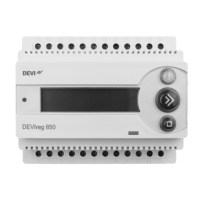
DEVIreg™ 850 IV
Installation instruction18
Installation of combi system
The installation of a DEVIreg™ 850 with 1 roof and 1 ground system has been selected.
It is optional if the sensors are connected to the DEVIreg™ 850 before power on or during
the installation.
The first installed system (System A) is using the output System A.
The second installed system (System B) is using the output System B.
It is freely selectable if System A should be the roof or ground system. However it is
preferable that System A is the roof system, since System A is shown on the upper line
of the display. Please refer to the description of the Display and Combined view in the
user manual.
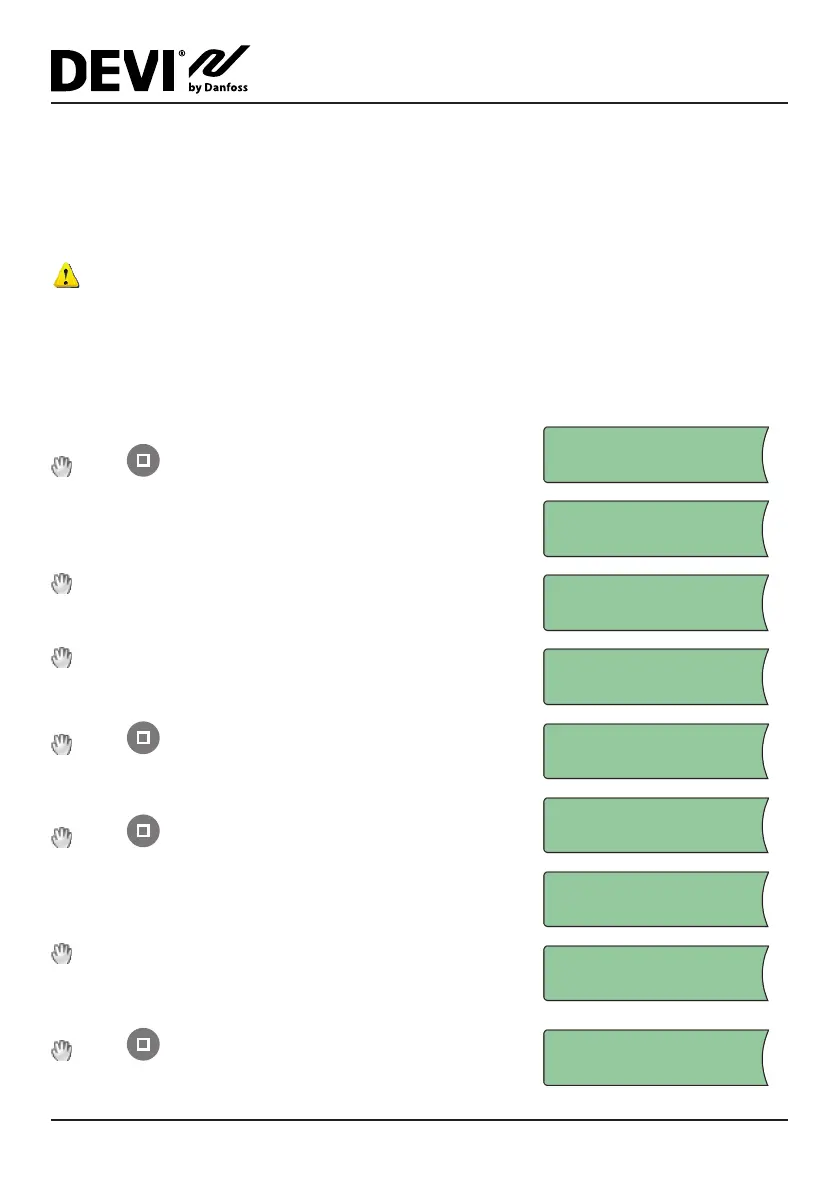
If sensors for System A are not connected — do it now!
Press or wait…
CONNECT SENSORS:
SYSTEM A
System is being scanned to find type of connected
sensors…
SYSTEM A
SCANNING...
Select system type: Roof (if roof system is preferred
as System A)
SYSTEM TYPE:
ROOF
Wait until correct number of sensors for System A
is found.
1 ROOF SENSOR
FOUND. ACCEPT?
Press when all sensors are found…
System A is installed…
SYSTEM A!
INSTALLED
If sensors for System B are not connected — do it now!
Press or wait…
CONNECT SENSORS:
SYSTEM B
System is being scanned to find type of connected
sensors…
SYSTEM B
SCANNING...
Wait until correct number of sensors for System B
is found.
SYSTEM TYPE:
GROUND
Press when all sensors for System B are found…
3 GROUND SENSORS
FOUND. ACCEPT?


 To Next Page