DIS User Manual
User Manual CU 6105.docx
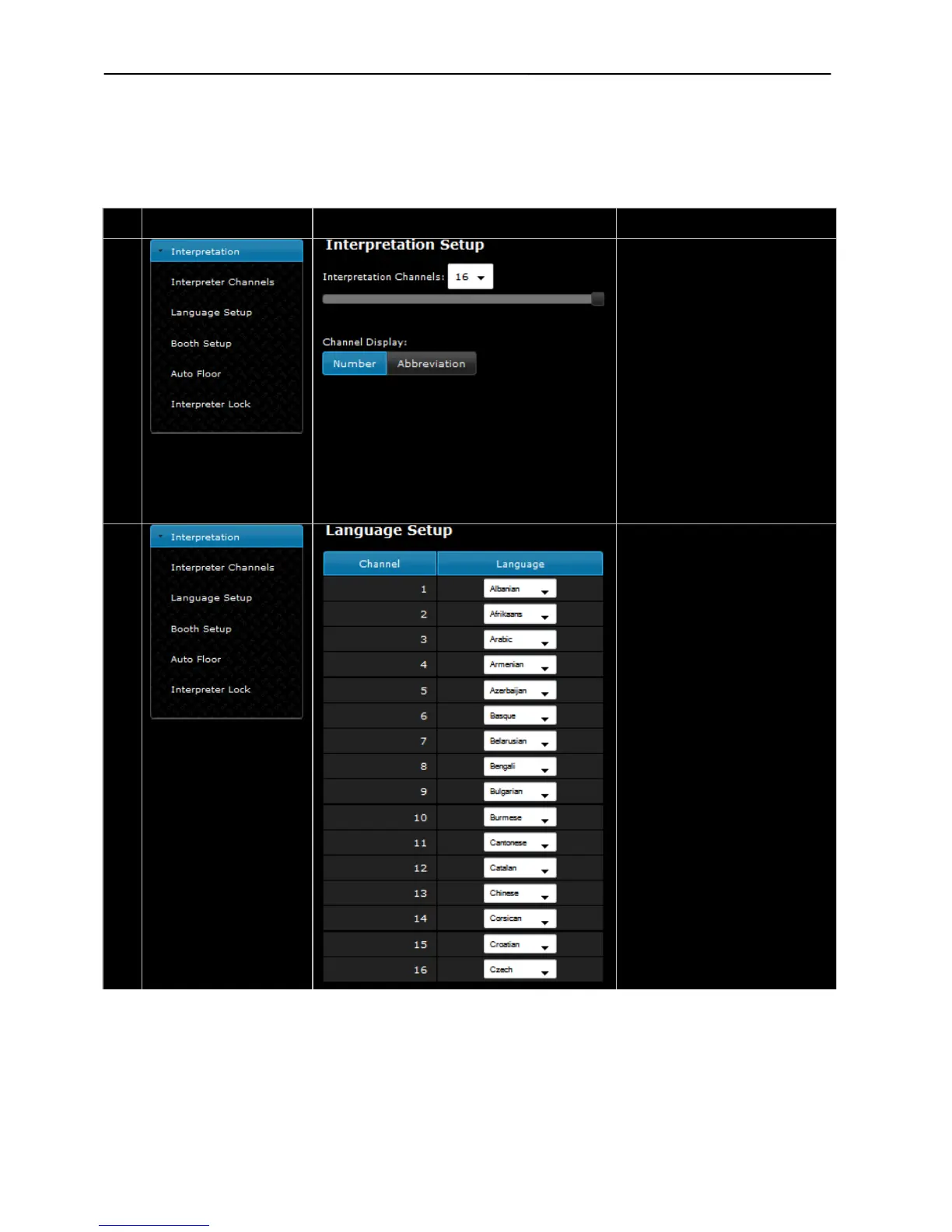
Interpretation Setup –
Used to set the number of
Interpreter Channels in use (0 to
interpretation channels are present
in the
system. Only ‘Floor’ sound
Channel 0 will always give the
original audio (floor).
Channel Display –
Used to switch the showing in the
channel selectors displays in
conference units between Language
Abbreviation and Channel Number.
Language setup –
The “Language setup” menu shows
the number of channels according
to the ‘Interpreter Channels’
settings.
The language for each channel can
be selected used the drop down list.



 To Next Page