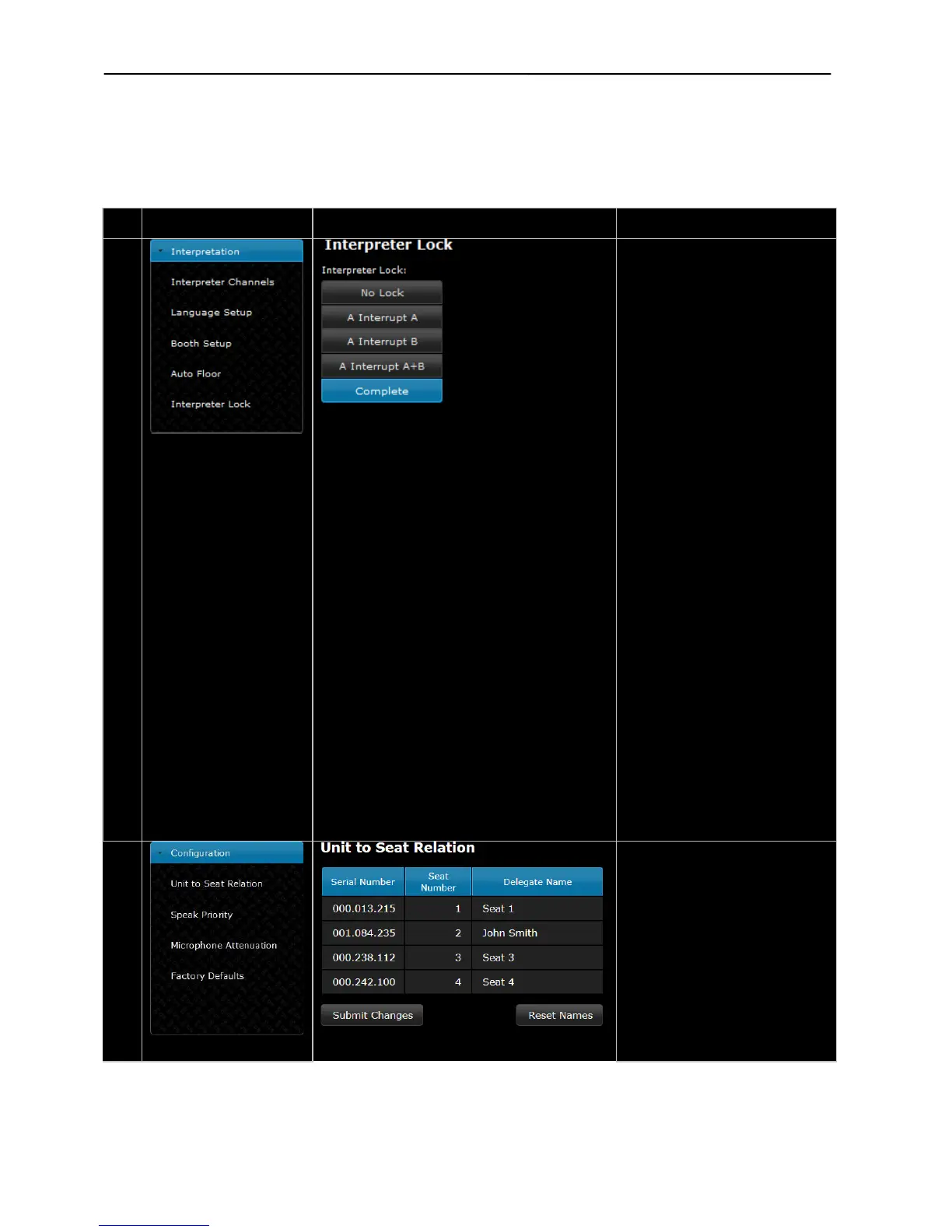
Interpretation channels.
The settings are:
Complete Lock
An interpreter cannot switch on his
microphone to any occupied
interpreter channel.
This is the default setting.
No Lock
An interpreter turning on his
microphone to any occupied
interpreter channel, will turn of the
interpreter occupying the channel.
A interrupt A
An interpreter turning on his
microphone on an A-channel will
interrupt another interpreter using
his A channel
A interrupt B
An interpreter turning on his
microphone on an A-channel will
interrupt another interpreter using
his B channel, but will not interrupt
an interpreter using his A channel.
A interrupt A+B
An interpreter turning on his
microphone on an A-channel will
When a unit is connected for the
first time, it will be assigned the
next ‘Seat Number’ and assigned a
‘Delegate Name’ in the format ‘Seat
x’, where ‘x’ is the assigned seat



 To Next Page