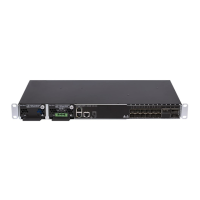
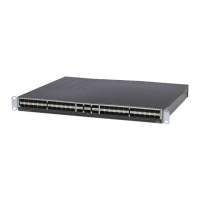
DM4270 – Installation Guide
Logging in for First Time
204.4331.03 - October/2019
6.4 CHANGING DEFAULT ADMINISTRATOR ACCOUNT PASSWORD
For security reasons it is highly recommended to modify the default administrator
account password.
Entering the configuration mode:
# configure
Entering the user mode:
(config)# aaa user admin
Changing the password:
(config-user-admin)# password new-password
Exiting the user mode:
(config-user-admin)# exit
Applying and saving configuration changes:
(config)# commit
Table 25 – Changing Password


 To Next Page