DataLocker DL3 User Guide
3.
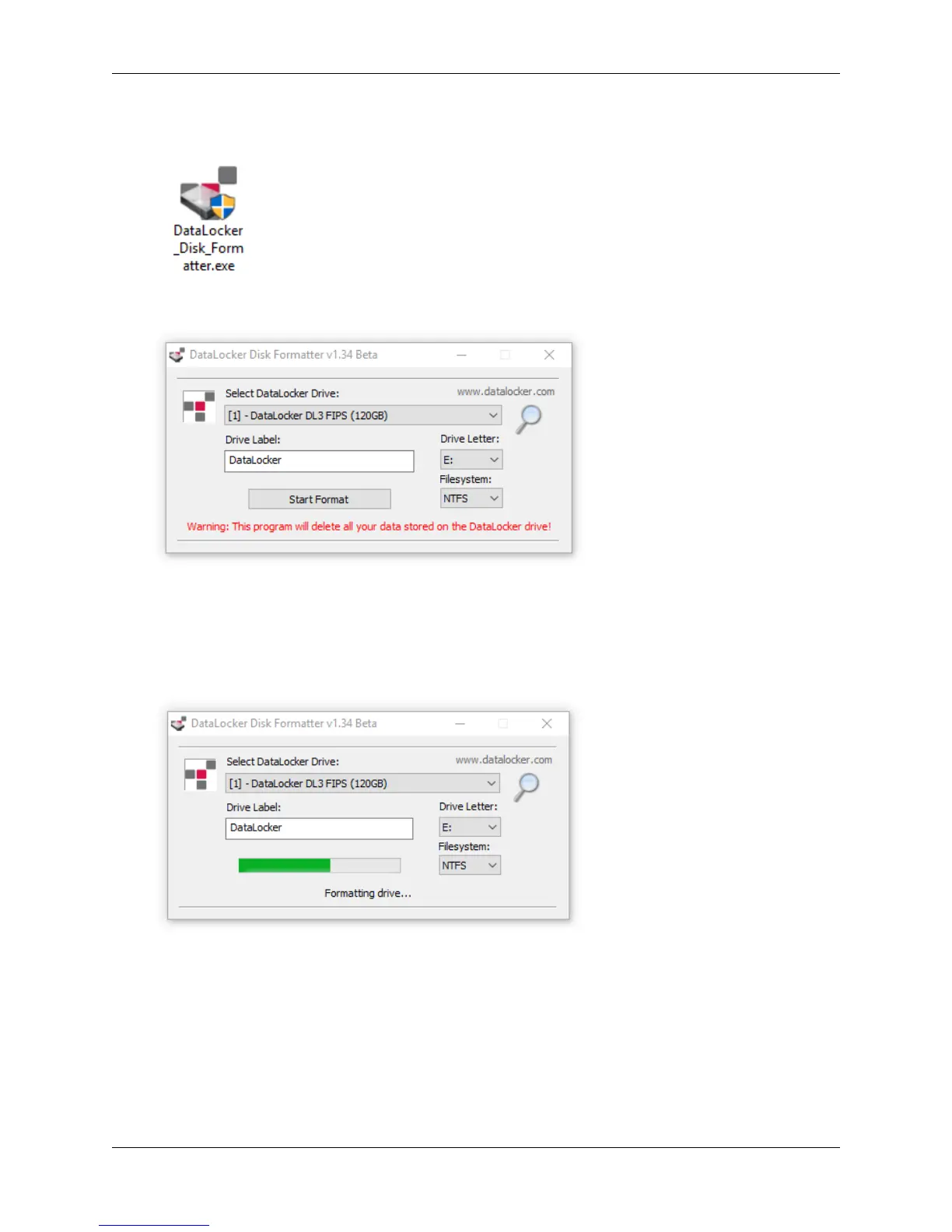
Run the
DataLocker_Disk_Formatter.exe
. The formatting tool will automatically find the DL3
device.
4. Select the Drive Letter and Format Type, and rename your Drive Label.
5. Click Start Format.
6. The formatting tool will show Formatting drive. . .
Note:
Windows may recognize that the drive needs to be formatted after the formatting tool
has already started. Feel free to close any popups from Windows that say the drive needs to
be formatted.
© 2018 DataLocker Inc. All rights reserved. 25



 To Next Page