DataLocker DL3 User Guide
5.
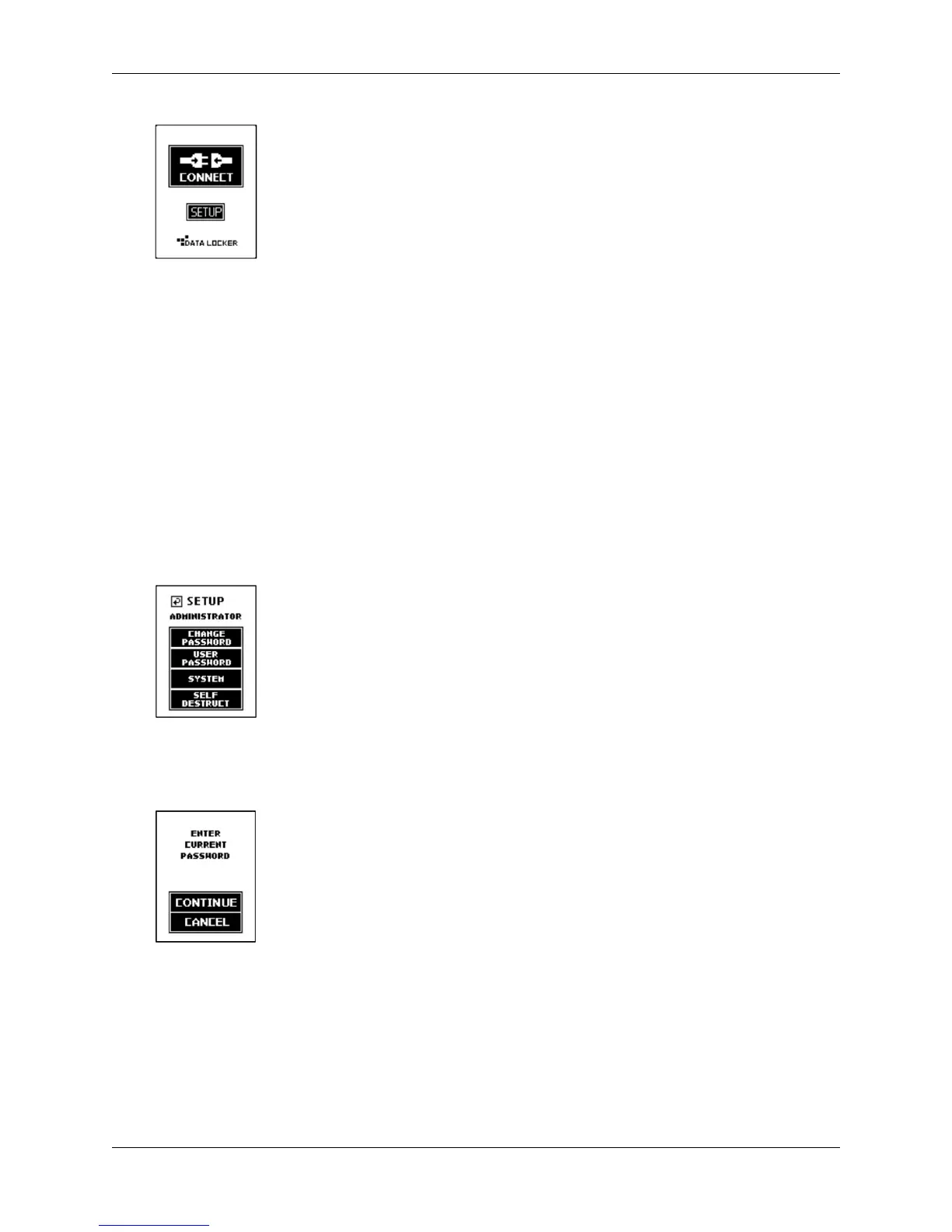
You can navigate the Setup menu using the function buttons listed, or go back to the Connect
menu by pressing the Return button in the top left corner of Setup menu.
From the Setup menu, you can:
• Change your password
• Enable/disable the user password
• Access the System menu
• Access the SafeConsole setting
Administrator Password
It is highly recommended that you set a new administrator password using alpha-numeric characters
upon the first use.
1. From the Setup menu, press the Change Password button.
2.
Press the
Continue
button and enter the current password. Follow the onscreen instructions to
set your new password. It is recommended that you use a combination of both alpha and
numeric characters for your password.
3.
After the new password has been set, you may set other options, or save and go back to
the Connect menu by pressing the
Return
button located at the top left hand corner next to
Setup.
Warning:
A lost or forgotten password cannot be reset or recovered without losing all the
stored data. To reset a device with an unknown password, incorrect passwords can be
entered until the device self-destructs. This will delete all stored data on the drive. The device
will need to be initialized again before reuse. For more information on initializing your device,
see Initializing And Formatting Your DL3.
© 2018 DataLocker Inc. All rights reserved. 5



 To Next Page