DataLocker DL3 User Guide
7.
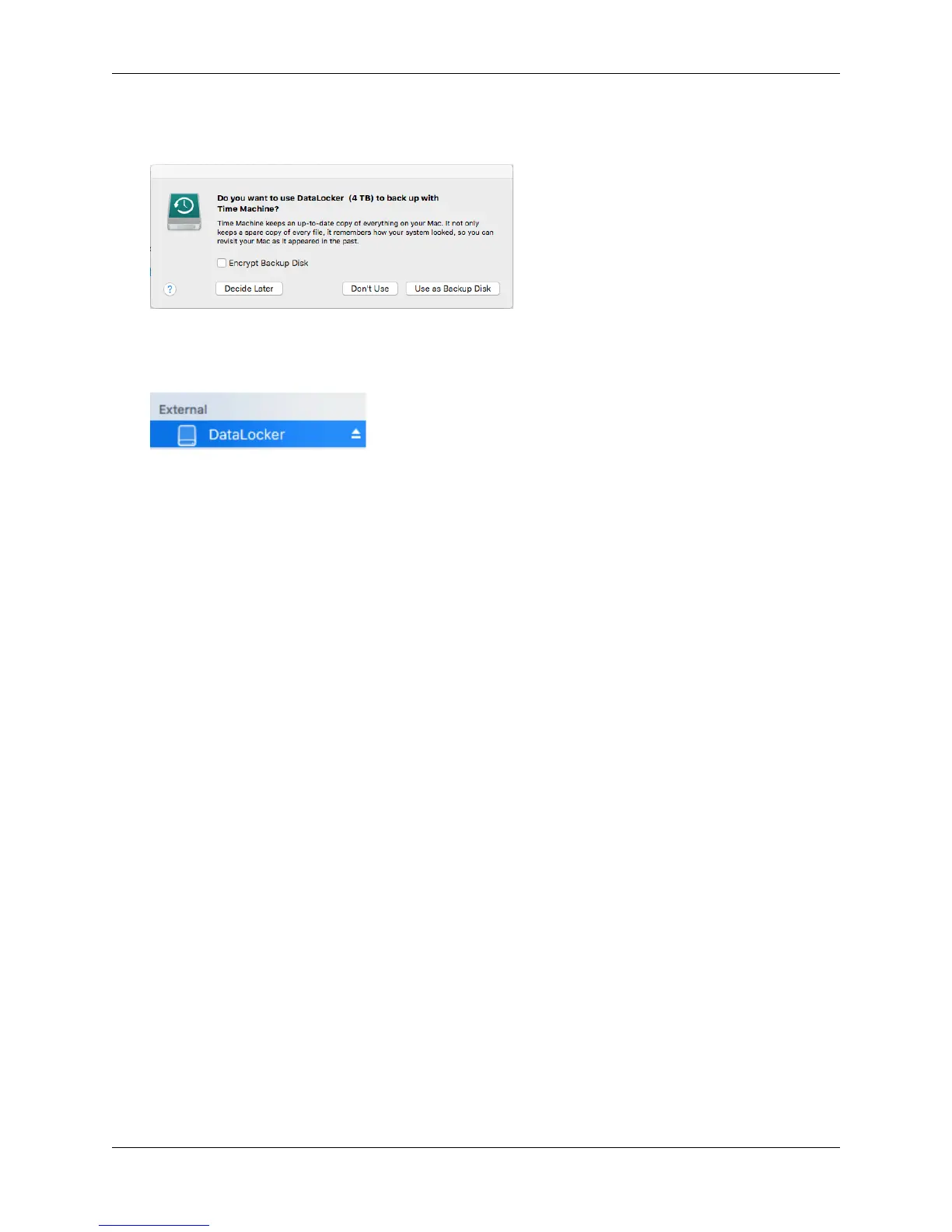
When it is finished formatting, you may get a popup message asking if you would like to
backup your drive with Time Machine. Choose your preferred option.
8. Click Done.
9. Your formatted DL3 should now appear under Devices.
Click on the links below for a video walkthrough on formatting your DL3.
Format your DL3 - Windows
Format your DL3 - macOS
Linux Compatibility And Configuration
The DL3 is platform independent when used apart from SafeConsole and capable of being run
with 100% compatibility on most systems. For optimal Linux or Unix based system compatibility, we
recommend using at least the Linux 2.6.31 Kernel (released 9 September 2009), which implemented
the xHCI specification for USB 3.0. Although older versions should work, they might run in USB 2.0
mode, which can be significantly slower.
You can check your kernel version by typing the following command in the terminal:
# uname -r
Because there are so many distribution versions of Linux, we cannot guarantee that every version
of every operating system has been tested. The following distributions have been tested and found
working with ext4 file system formatting:
• Red Hat Enterprise Linux 6.5
• CentOS 6.5
• Debian 7.4
• Ubuntu 13.10
• Ubuntu 14.04
In most newer distributions the drive should automatically mount. To format the drive, first enter
terminal, then list detected hard disks using
# fdisk -l | grep '^Disk'
Your configuration may vary. For this example, we’ll assume the disk is at /dev/sdb
You will then type
# fdisk /dev/sdb
© 2018 DataLocker Inc. All rights reserved. 28



 To Next Page