DataLocker DL3 User Guide
Citrix Compatibilities
The DataLocker DL3 and DL3 FE are compatible with:
• XenApp 7.14
• XenApp 7.15 LTSR
• XenApp 7.16
• XenApp 7.17
• XenDesktop 7.14
• XenDesktop 7.15 LTSR
• XenDesktop 7.16
• XenDesktop 7.17
Additionally, the DL3 is compatible with:
• Citrix Virtual Apps and Desktops service on Azure
Getting Started
Accessing The Setup Menu
The Setup menu is where all options and controls are displayed, including changing your password.
To access the Setup menu:
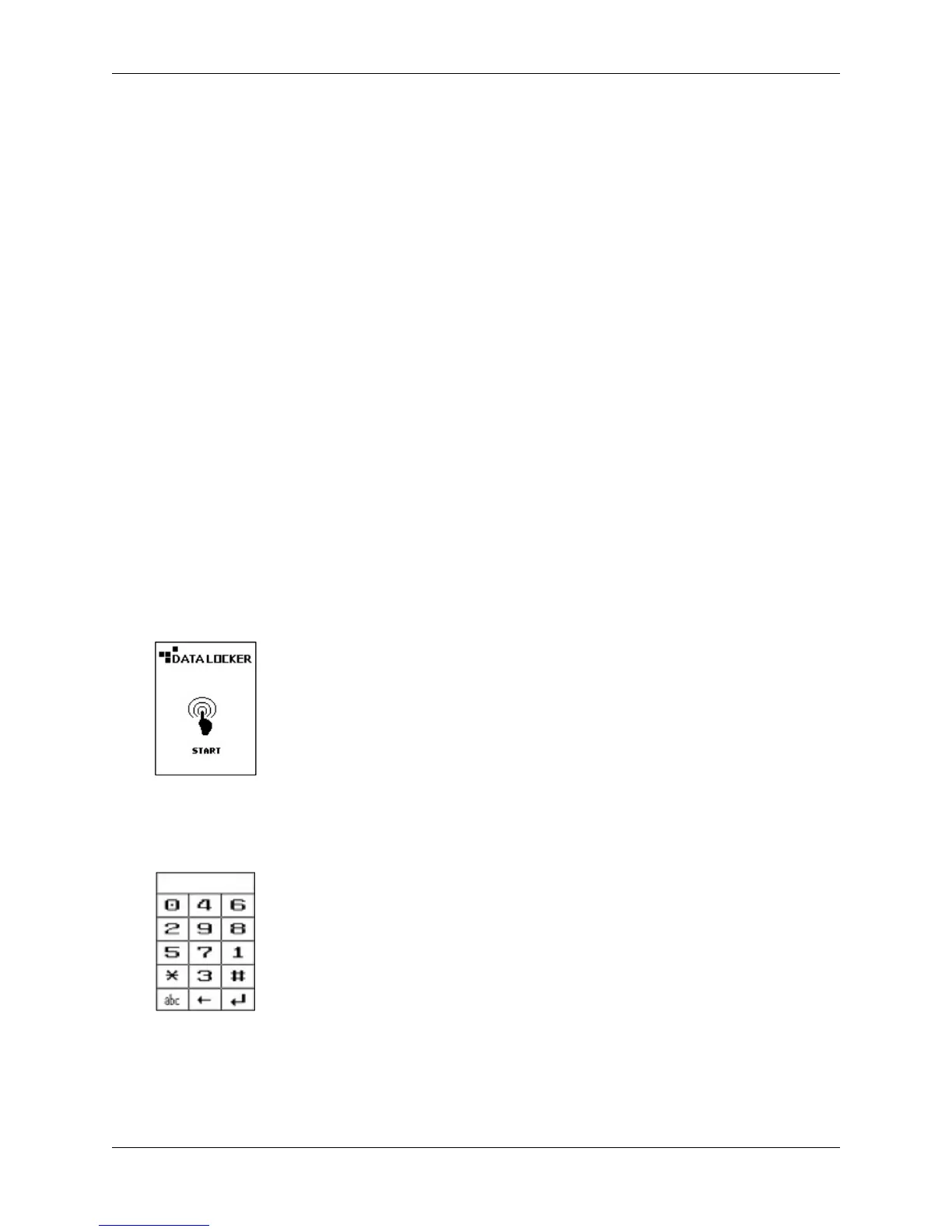
1. Connect the DL3 to your computer with the included USB cable.
2. At the startup screen press Start.
3.
Enter the administrator password. If this is your first time logging in, the default password is
0000000.
Then press the Enter symbol.
4.
Press the
Setup
button on the touch screen. If it is not selected within 3 seconds, the DataLocker
DL3 will connect to the computer automatically.
© 2018 DataLocker Inc. All rights reserved. 4



 To Next Page