DL4 FE Encrypted External Hard Drive - v1.49/6.5.0 - User Guide
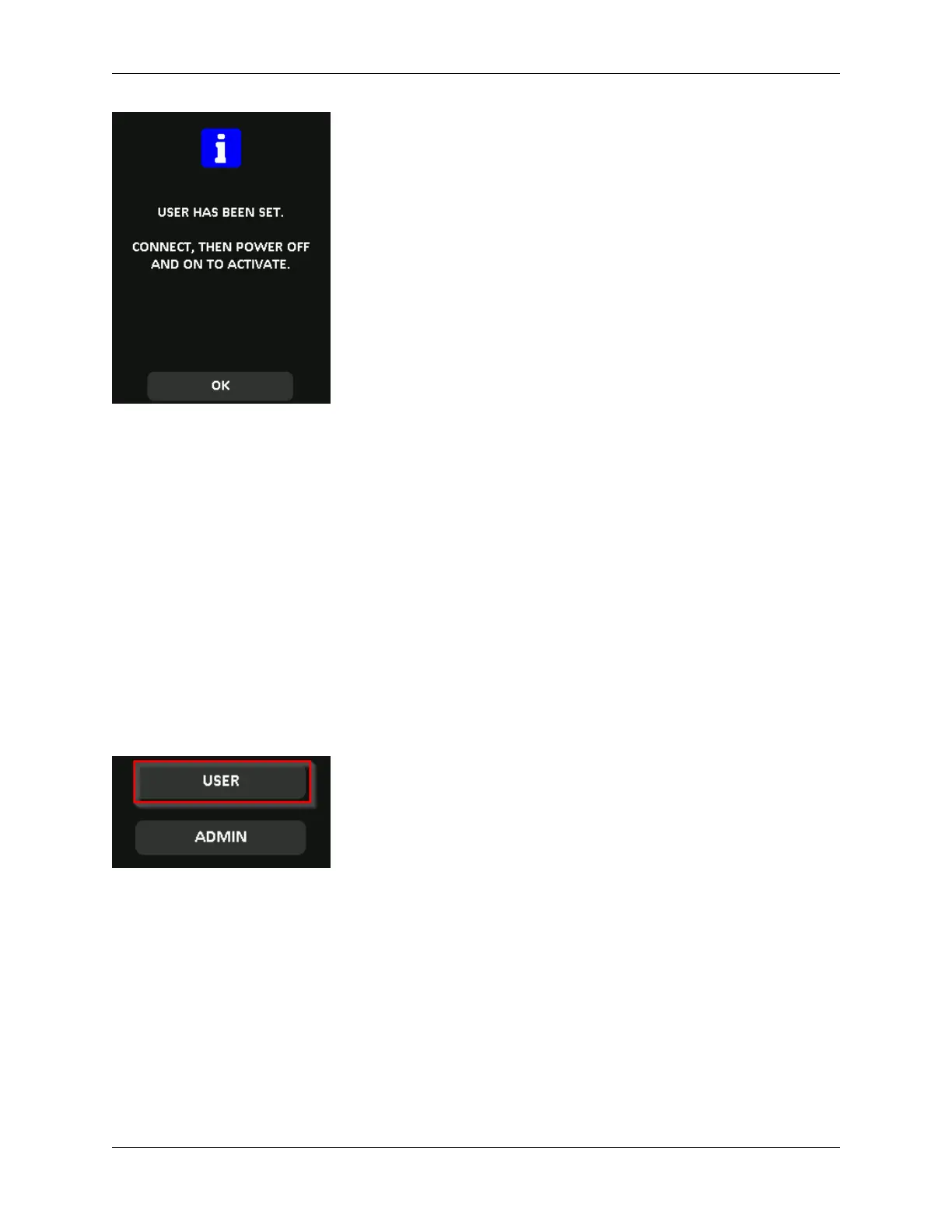
5. Your DL4 will go back to the administrator menu. Proceed to connect the DL4 to confirm
your setting and then lock, and power off. On the next power on the role selection will be
available.
Note: The password for this user profile will be set when the device is next plugged into a work-
station and the User option is selected for log in. Detailed steps for the user profile configuration
are below. The User login will have its own User menu. For detailed information, see Using the User
Menu.
Step by step process for USER configuration
1. Plug your device into the computer.
2. Tap User when prompted to select login mode.
3. Tap OK on the “Please create your password” screen.
4. Enter desired password on the “Enter New Password” screen. Tap the Ë-button.
5. Confirm the new password and tap the Ë-button. You must confirm using the same password
you entered in Step 4.
6. Tap Connect to connect the DL4 instantly or wait for 10 seconds for DL4 to automatically
connect to your computer.
Note: The User Menu can be accessed by tapping the 2-icon instead of tapping Connect. For
detailed information, see Using the User Menu.
© 2021 DataLocker Inc. All rights reserved. 20



 To Next Page