DL4 FE Encrypted External Hard Drive - v1.49/6.5.0 - User Guide
Initializing and Connecting Your DL4
1. Connect the DL4 to your computer with the included USB cable.
2. The device will display “PERFORMING SELF TEST” and then will display a DataLocker loading
screen.
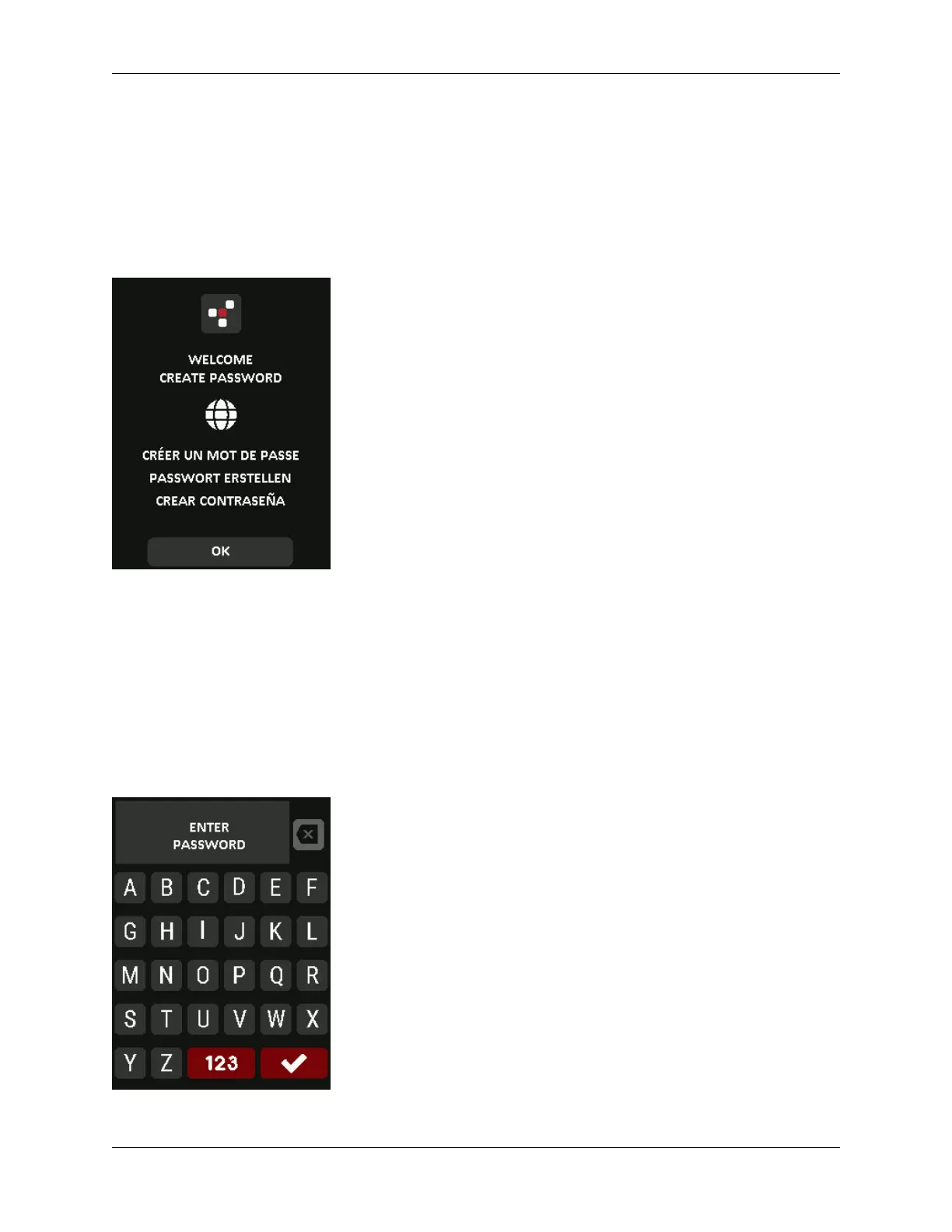
3. You will then be prompted to create a password. Tap OK to continue.
4. Your DL4 will show an “Enter New Password” prompt. Enter a desired password and then tap
the Ë-button. Tap 123 to swap the keyboard to numbers and special characters. Tap ABC
to swap back to letters.
Note: Linear and repetitive passwords are not supported and passwords must contain a
MINIMUM of 8 characters. It is recommended that you use a combination of letters, numbers and
special characters for your password.
Some examples of invalid passwords are:
‘78901234’, ‘43210987’, ’12345678’, ‘1111111’
© 2021 DataLocker Inc. All rights reserved. 7



 To Next Page