DL4 FE Encrypted External Hard Drive - v1.49/6.5.0 - User Guide
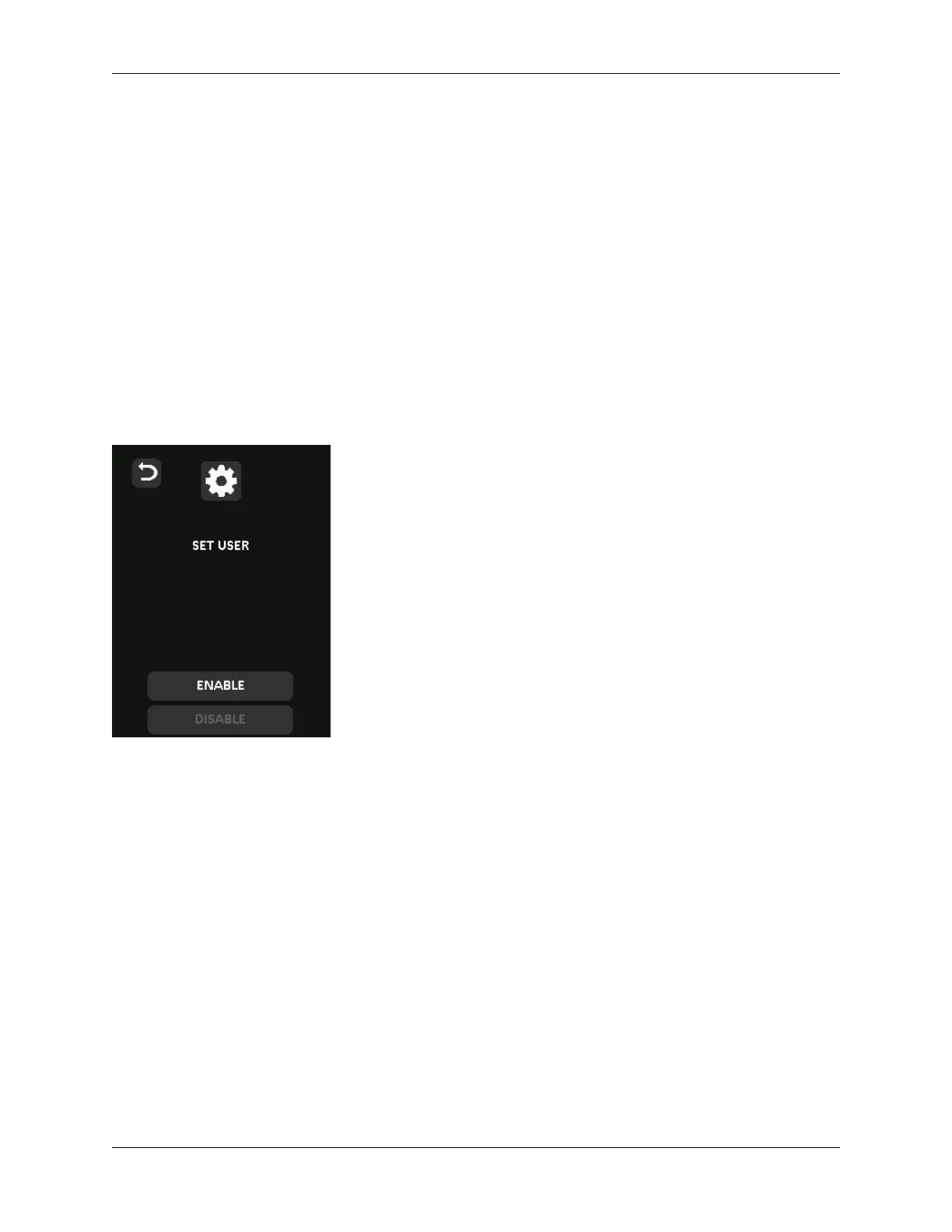
Set User
This allows the administrator to either Enable or Disable a user role. When a user password is cre-
ated your DL4 will show a login selection screen upon the next DL4 connection. If User is selected
upon login, your DL4 will force the user to create a user unlock password. The user will use this pass-
word to unlock the device. The DL4 user has a limited feature set compared to the administrator.
For detailed information, see Using the User Menu. To create a User profile for your DL4, follow the
below steps.
NOTE: The User profile is not available if SafeConsole is enabled for your DL4.
Step-by-step Process to Set User
1. From the administrator menu, Tap Set User.
2. Tap Enable. (Option is set to Disable as default).
3. Tap Back from upper left to select Enable and exit.
4. Your DL4 will show a “User has been set” prompt upon successful creation of the user. Tap
OK.
© 2021 DataLocker Inc. All rights reserved. 19



 To Next Page