DL4 FE Encrypted External Hard Drive - v1.49/6.5.0 - User Guide
1. Tap the Language option from the administrator menu.
2. Tap your desired language.
3. Tap Back from the upper left to save and exit to the administrator menu.
NOTE: The administrator and User both can select their own preferred language from their respec-
tive menus.
Touch Calibration
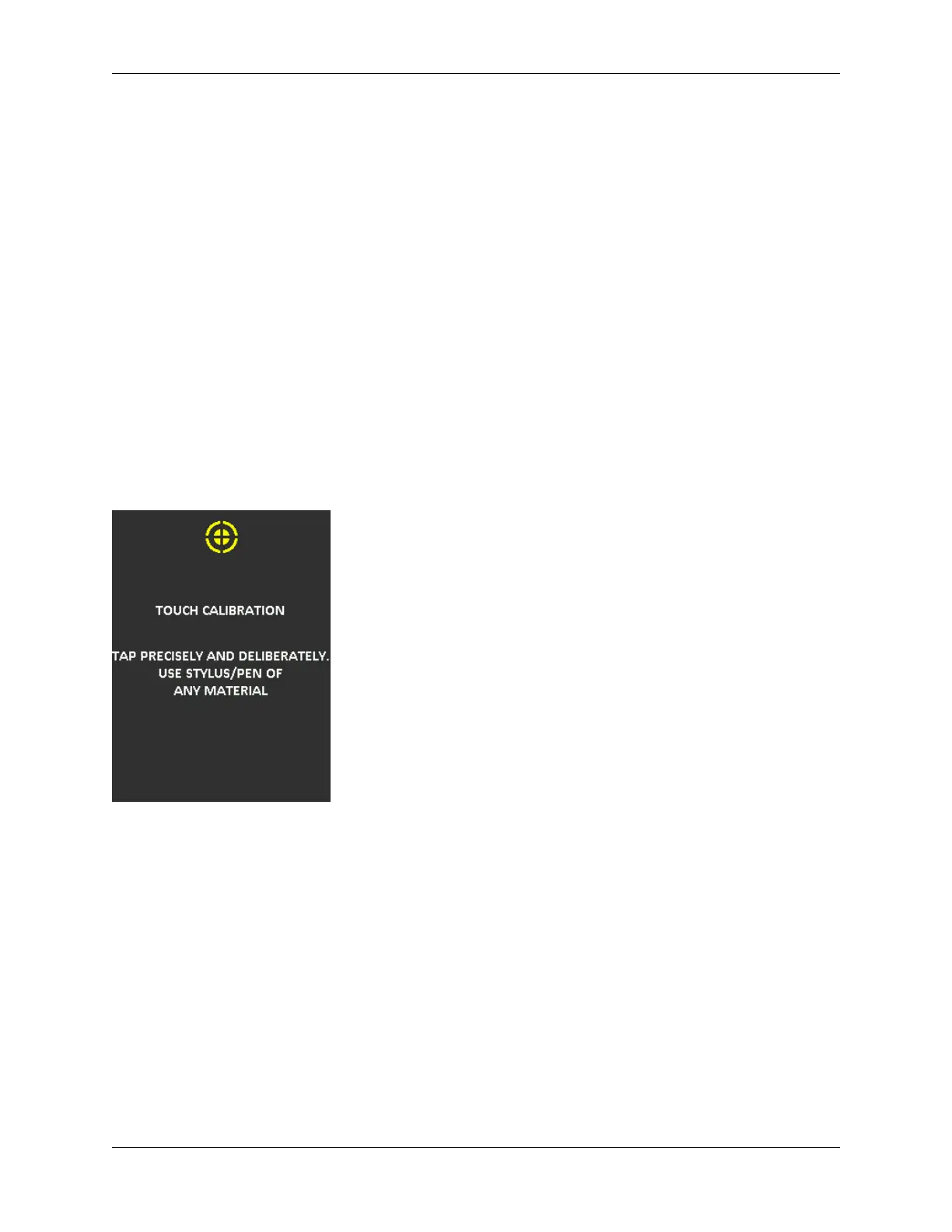
Your DL4’s touchscreen interface can be manually calibrated when needed. To calibrate the
interface follow the below steps. Proceed with care and have a stylus/pen of any material avaible.
The precision of the calibration highly influences how accurately the device receives input.
1. Tap the Touch Calibration option from the administrator menu.
2. You will now be prompted to touch your DL4 screen in 3 various spots one after the other. Tap
the on screen Target icon each time you are prompted using your stylus.
3. Once complete, your DL4 will return to the administrator menu.
DL4 is not correctly taking input
If your DL4 is not correctly detecting your taps on the screen, it can be due to a failed Touch
Calibration. It is possible to enter the Touch Calibration without entering a password. Tap & hold
the screen for exactly 5 seconds (use a timer if needed) when the DataLocker logo with a progress
bar under it is displayed during startup. Follow the Touch Calibration steps.
© 2021 DataLocker Inc. All rights reserved. 27



 To Next Page